
Downloads and resources
Infrastructure guide PDF
Download the Factora IoT Infrastructure Guide.
Introduction
Who this is for. Anyone who needs the long-form map of servers, backups, and capacity.
The PDF is the Factora IoT Infrastructure Guide. It matches the short article in Technology and architecture and goes further on layout, backups, and capacity. It does not contain passwords, and it does not name a hardware brand.
Architecture
The PDF uses the same four layers as this hub.
- SensorMeasures one thing and sends a short encrypted radio message.
- GatewayHears the radio message and forwards it. It cannot read the payload.
- Network serverChecks, decrypts, and decodes the message at lns.factoraiot.com.
- FactoraStores the reading, draws Plant dashboards, and raises Alerts.
Step 0. Download the guide
- Choose Download the guide. The file is Factora-IoT-Infrastructure-Guide.pdf.
- Keep it with your project notes. Check this hub again when a screen changes, because the PDF is a snapshot.
ScreenshotComing soon
Step 1. Use the PDF for the server, and this hub for the clicks
- Read the PDF for where each service runs, how backups are taken, and what is already installed.
- Use How to set up a new factory for the ops console and the plant screens.
- Use the courses when you want a lesson and a quiz. Quizzes stay on the lesson page.
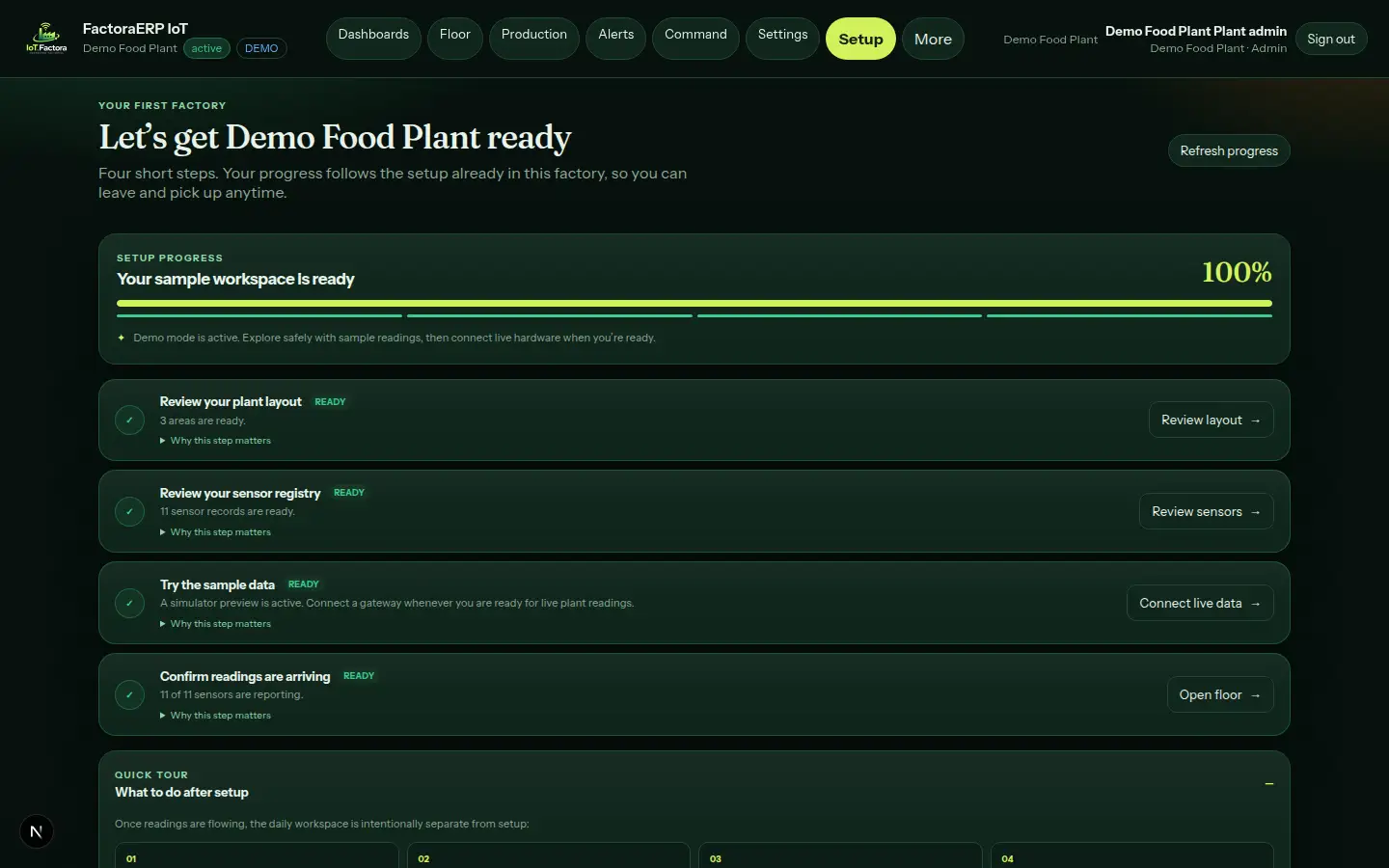
Step 2. Know what is still ahead
- The Factora app, the worker, the database, and the web proxy are live.
- The network server, the Basics Station bridge, the broker, and the EU868 region are installed.
- No production gateway or sensor is registered yet, and the first factory MQTT connector in Factora has not been created.
ScreenshotComing soon