Gateways
Basics Station connection
Point the gateway at wss://lns.factoraiot.com:3001.
Introduction
Who this is for. A technician who can open the gateway's server settings, and a plant admin who will register the row in Factora.
LoRa Basics Station is how every factory gateway reaches the network server. The gateway dials out over TLS. Factora's Register gateway button does not send this setting.
Architecture
The gateway keeps one outbound connection. The bridge on port 3001 is not the plant web app.
- GatewayDials wss://lns.factoraiot.com:3001 and sends its gateway id.
- Basics Station bridgeReceives that connection on port 3001 and passes packets to the network server.
- Factora gateway rowA name and a heartbeat for operators. It is a separate registry.
Step 0. Set the server address
- In the gateway's network server settings, choose Basics Station, sometimes labelled LNS or CUPS depending on the unit. Use the forwarder that matches a server address of wss://lns.factoraiot.com:3001.
- Enter the server wss://lns.factoraiot.com:3001.
- Enter the gateway id exactly as it is registered, including letter case if the unit shows letters.
- Enter the per-gateway token, or install the client certificate, using the value from the password store.
ScreenshotComing soon
Step 1. Confirm it is online
- In the network server admin, the gateway's last seen time should move and the Basics Station connection should be up.
- If it stays down, check power, the antenna, the outbound path to port 3001, and that the id and token match.
ScreenshotComing soon
Step 2. Register the row in Factora
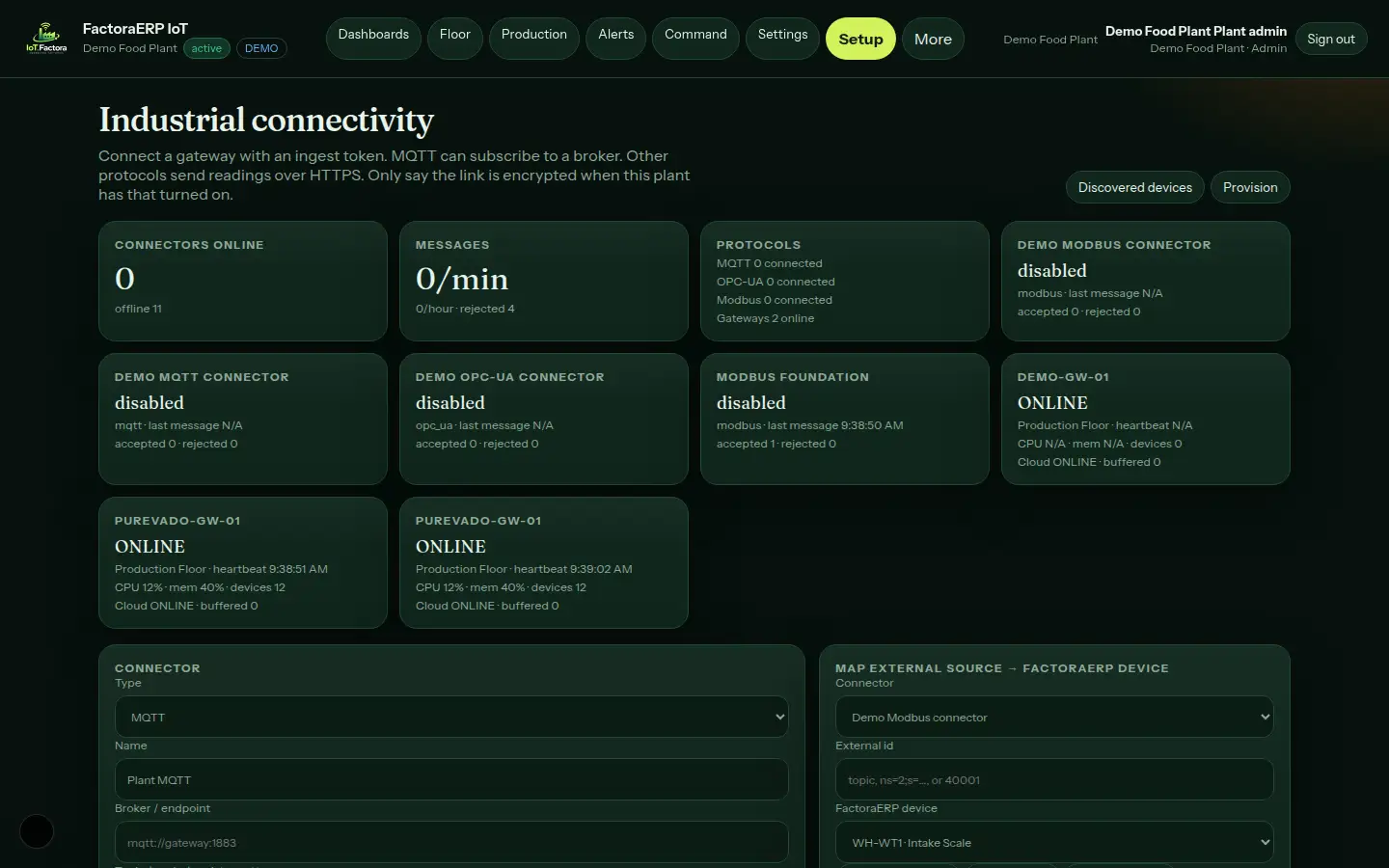
- Open Industrial connectivity.
- Under Gateway, enter a code operators will recognise and choose Register gateway.
- That row goes stale about 90 seconds after the last heartbeat, and offline after about three times that.