
Troubleshooting
When a reading does not appear
Gateway offline, no uplinks, decoding, and connector errors.
Introduction
Who this is for. A plant admin or integrator looking at a sensor that is quiet or wrong.
Work from the outside in: radio, gateway, network server, broker, connector, mapping, database, screen. Change one thing at a time. The error strings below are the ones the product shows.
Architecture
A break at any box stops the reading. The screen is the last place to look.
- SensorMeasures one thing and sends a short encrypted radio message.
- GatewayHears the radio message and forwards it. It cannot read the payload.
- Network serverChecks, decrypts, and decodes the message at lns.factoraiot.com.
- FactoraStores the reading, draws Plant dashboards, and raises Alerts.
Step 0. Gateway offline
- In the network server, check the gateway last seen time and the Basics Station connection.
- Confirm the gateway can reach lns.factoraiot.com port 3001 outbound. No inbound rule is required.
- Confirm the gateway id matches, and the token or client certificate matches.
- Check power, the antenna, and Ethernet or the mobile backhaul.
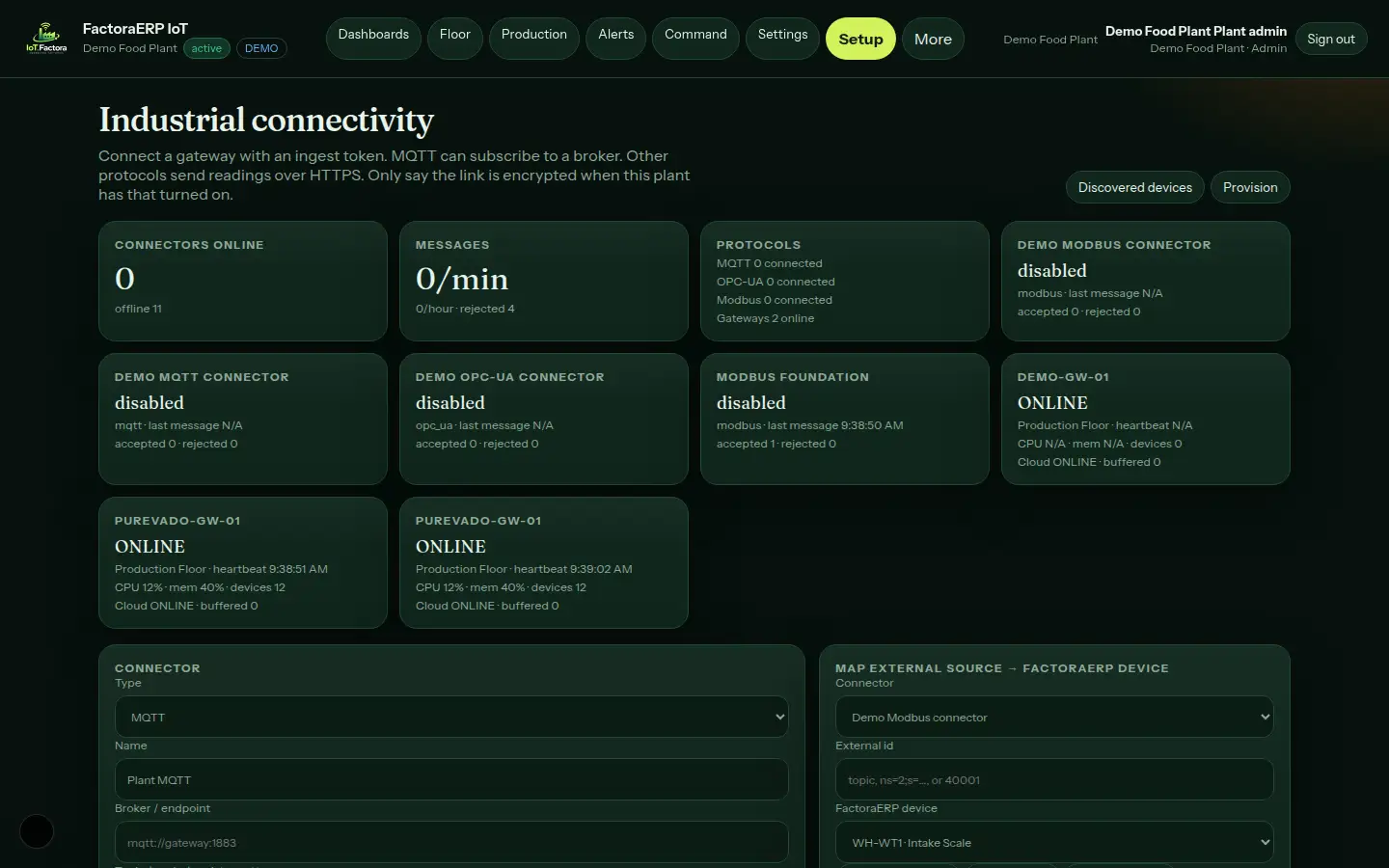
- In Factora, the gateway row on Industrial connectivity is a separate registry. It can look stale while the network server gateway is up, because the two are not linked yet.
Step 1. No uplinks
- The sensor has joined. DevEUI, JoinEUI, and AppKey match the label, and the device is in the right tenant.
- The device profile region is EU868, the same region as the gateway.
- The network server shows live frames for that DevEUI. Frames with an empty object are a codec problem, not a radio problem.
- The Factora connector is enabled, status is connected, and the broker is mqtt://mosquitto:1883.
- The topic includes the real application id. A mapping exists. Otherwise the last error is No device mapping and the topic appears under Discovered.
- The factory is not paused. Telemetry is Live mode (gateway ingest) when you expect real readings rather than demo charts.
Step 2. Decoding errors
- If the decoded object is empty, fix the codec on the device profile. Factora never sees the raw radio bytes.
- If ingest reports a missing numeric value, the body is not JSON or the value path does not land on a number. object.temperature is a number. object itself is not.
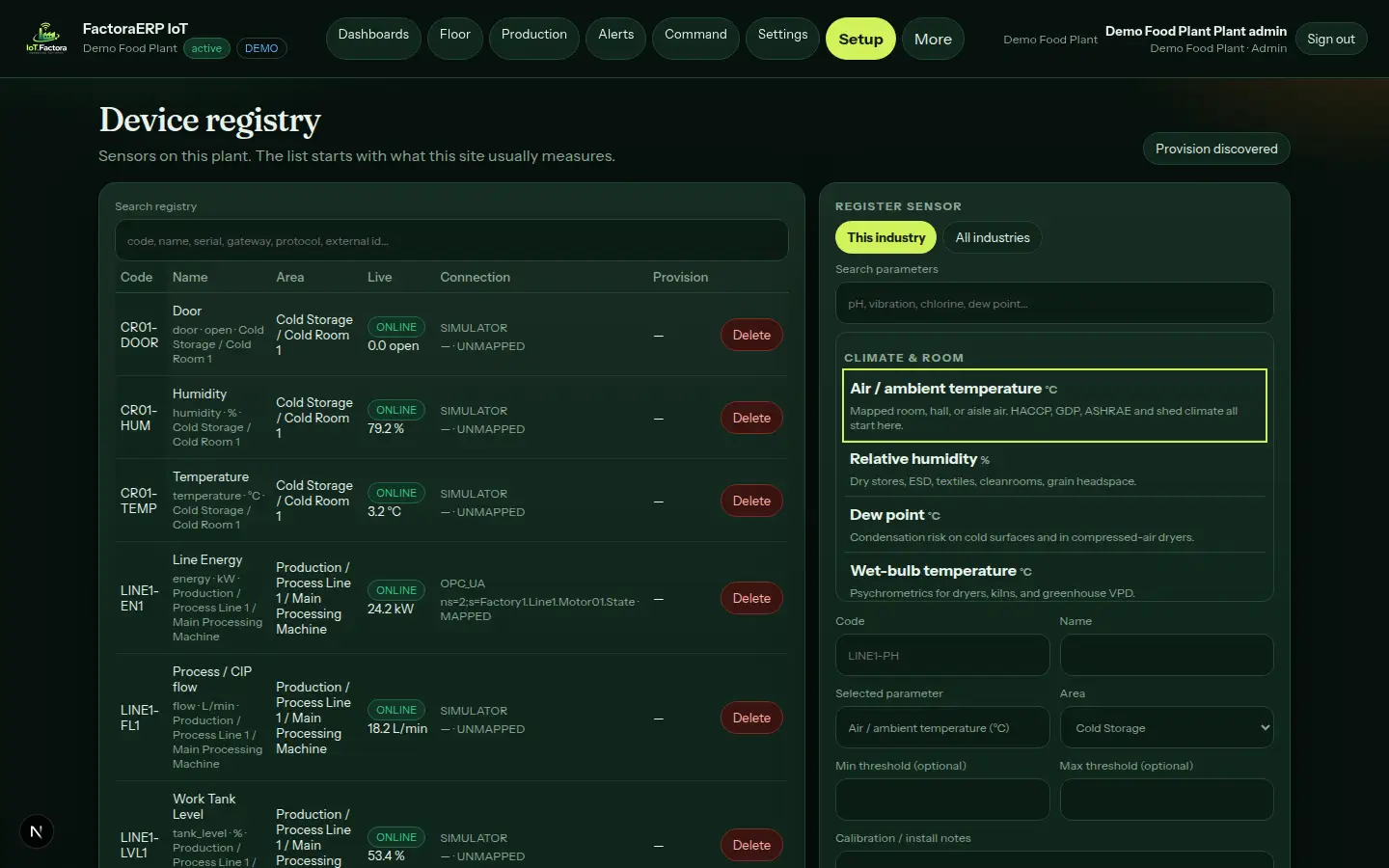
- The connector form stored value as the path. Set the path that matches the codec. That control is not on the form today.
- A power in one unit mapped onto a device in another unit can store and still be the wrong quantity.
ScreenshotComing soon
Step 3. Connector errors
- Broker URL required: the connector has no broker address.
- Status connecting, then disconnected, last error Connection lost: broker name, port, username, password, or the worker cannot resolve mosquitto.
- Backpressure: ingest queue full: more than 250 messages are in flight for this connector.
- No device mapping: a message arrived and no external id matched. Claim it or add a mapping.
- Password rejected: the broker user was reloaded and the password stored on the connector is stale. The screen never shows the stored secret again.