Integrations
MQTT into Factora
Save a connector and map each uplink to a device.
Introduction
Who this is for. A plant admin connecting the network server broker to Factora.
This is the Factora half of the MQTT integration. The broker user and the codec already exist. You are telling the worker which topic to read and which device receives the number.
Architecture
The worker is the only Factora process that holds the MQTT connection.
- BrokerMosquitto on the server network, reached as mqtt://mosquitto:1883.
- ConnectorType MQTT, a topic, and a password, saved on Industrial connectivity.
- MappingBinds one external id to one FactoraERP device.
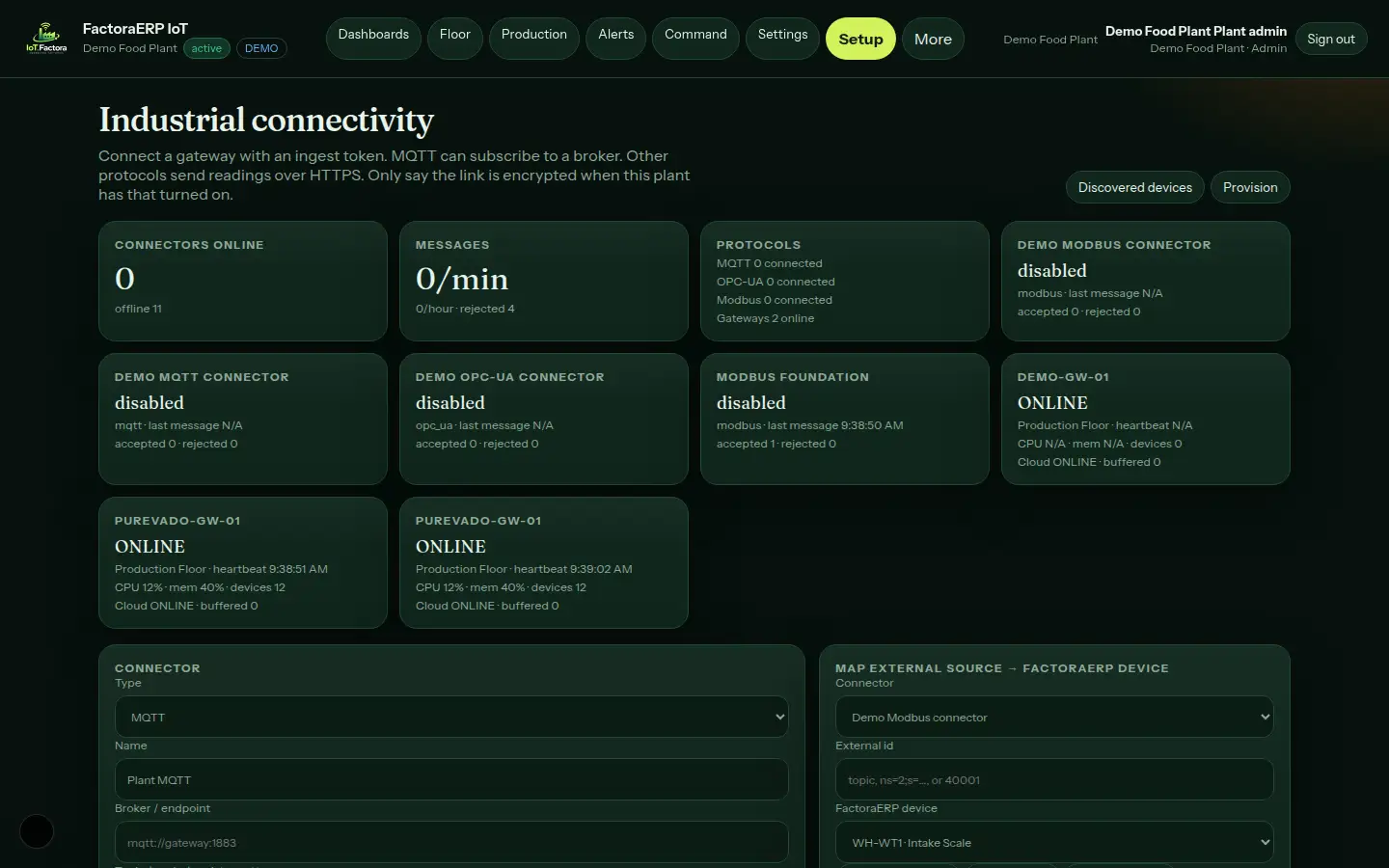
Step 0. Save the connector
- Open Industrial connectivity as admin.
- Set Type to MQTT, enter a Name, and set Broker / endpoint to mqtt://mosquitto:1883.
- Set Topic / node / register pattern to application/<application id>/device/+/event/up.
- Enter Password / secret and choose Save connector.
Step 1. Activate a mapping
- Under Map external source → FactoraERP device, choose the connector.
- Set External id to the uplink topic for that sensor.
- Choose the FactoraERP device and choose Activate mapping.
- Use Send sample only for a test payload. It is not a LoRaWAN uplink.
Step 2. Claim a discovered topic
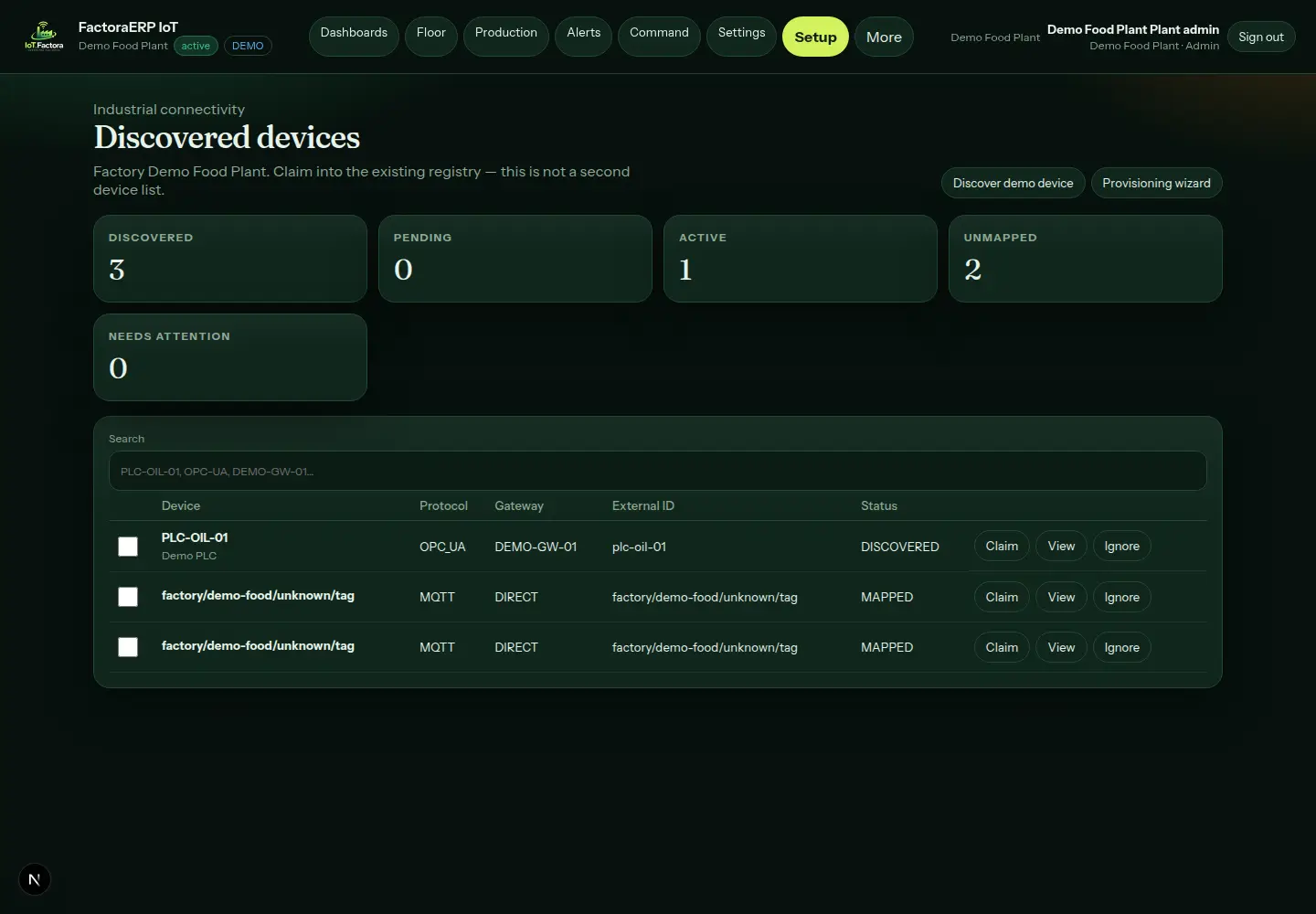
- Open Discovered devices, or the Discovered list on Industrial connectivity.
- Choose Map to selected device for a topic that arrived with no mapping.
- The connector last error No device mapping clears once a mapping matches.