
Technology and architecture
MQTT explained
Topics, wildcards, quality of service, and the factory user.
Introduction
Who this is for. Integrators who will point Factora at a broker.
MQTT is publish and subscribe. A client connects to a broker, publishes a payload to a topic, and the broker copies it to every client that subscribed. The publisher does not need to know the subscribers. This article uses only the topics Factora and the network server already use.
Architecture
Three roles. Factora is a subscriber on the LoRaWAN broker.
- PublisherThe network server publishes each uplink event.
- BrokerCopies each payload to subscribers who are allowed to read that topic.
- SubscriberThe Factora worker receives the payload and stores a number.
Step 0. Read a topic
- A topic is a slash-separated path.
- Application uplinks use application/<application id>/device/<DevEUI>/event/up.
- The built-in broker, for devices that are not LoRaWAN, uses factora/<factory slug>/devices/<device code>/telemetry.
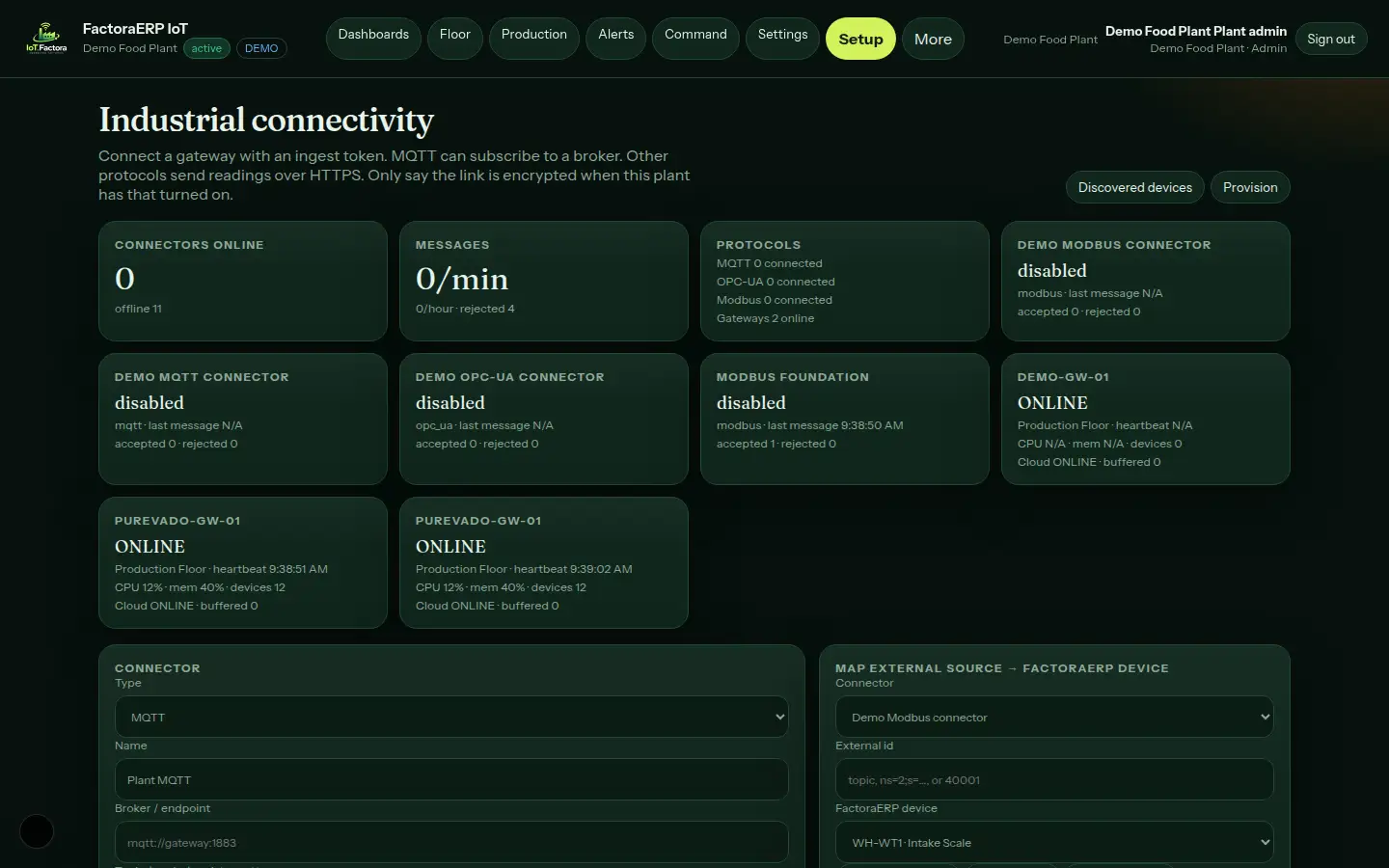
Step 1. Use wildcards
- A plus sign is one level. application/7/device/+/event/up is every device in application 7.
- A hash is the rest of the topic. application/7/# is everything under that application, and only when the hash is the last level.
- A pattern without a wildcard must be the same length as the topic.
ScreenshotComing soon
Step 2. Choose a quality of service
- QoS 0 is at most once. Gateway traffic that never leaves the machine uses it.
- QoS 1 is at least once. Factora connectors default to QoS 1. A retry can deliver the same payload twice, so ingest ignores a duplicate message id when it has one.
- QoS 2 is exactly once. We do not use it.
- A retained message is the broker's last copy of a topic. Uplinks are live events, not retained configuration.
ScreenshotComing soon
Step 3. Limit the factory user
- The factory user may read only application/<that factory's application id>/# and may not publish.
- Reconnect waits step through 5, 10, 30, and 60 seconds.
- Each connector keeps at most 250 messages in flight. Past that, the last error is backpressure. One connector failing does not stop the others.
ScreenshotComing soon