Technology and architecture
From the radio to a dashboard
What the worker does after the network server publishes an uplink.
Introduction
Who this is for. Engineers and integrators who will connect a factory.
This article follows one reading from the radio to a dashboard, then names the settings you will touch. Do not put passwords, keys, or network addresses into a lesson, a ticket, or a chat. The click-by-click checklist is How to set up a new factory.
Architecture
Factora is one web application. The LoRaWAN stack is a separate project. Restarting one does not restart the other.
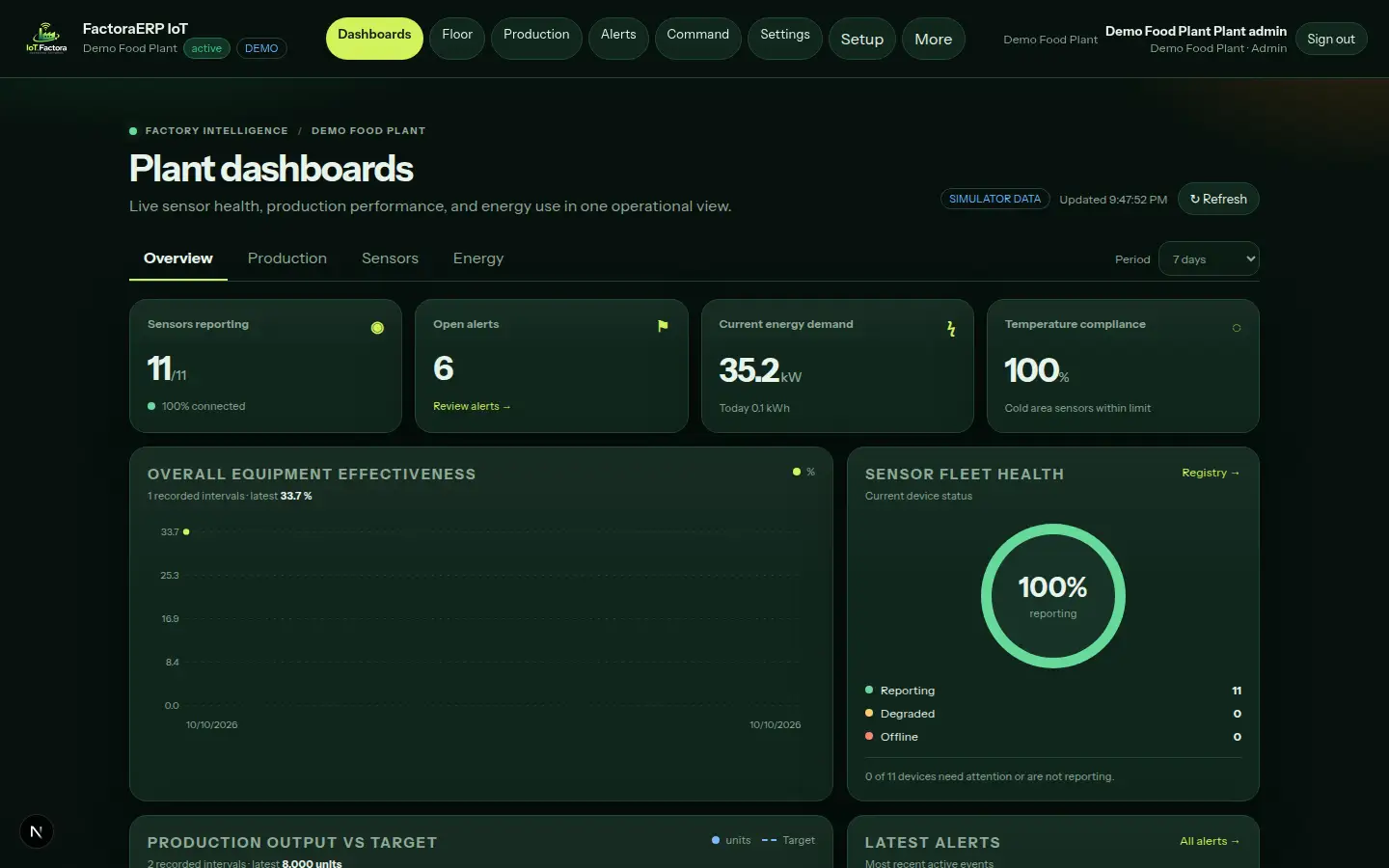
- Plant hostiot.factoraerp.com serves the floor, alerts, devices, connectivity, and settings.
- Ops hostadmin.factoraiot.com is the ops console for platform staff.
- WorkerHolds MQTT connections, runs connectors, and writes the database. It does not serve pages.
- DatabaseOne company is one factory. Plant queries are filtered by the signed-in factory.
Step 0. Join and relay
- The sensor joins with OTAA: DevEUI, JoinEUI, and AppKey. The AppKey never travels in the uplink.
- The gateway is a relay. It adds time, signal strength, and signal quality.
- Basics Station is a WebSocket inside TLS. The gateway dials out. The old unencrypted packet forwarder is not used.
ScreenshotComing soon
Step 1. Decode in the network server
- The network server checks the integrity code and the frame counter, removes duplicates, decrypts, and runs the device-profile codec.
- Decoded uplinks are JSON on application/<application id>/device/<DevEUI>/event/up.
ScreenshotComing soon
Step 2. Store the reading in the worker
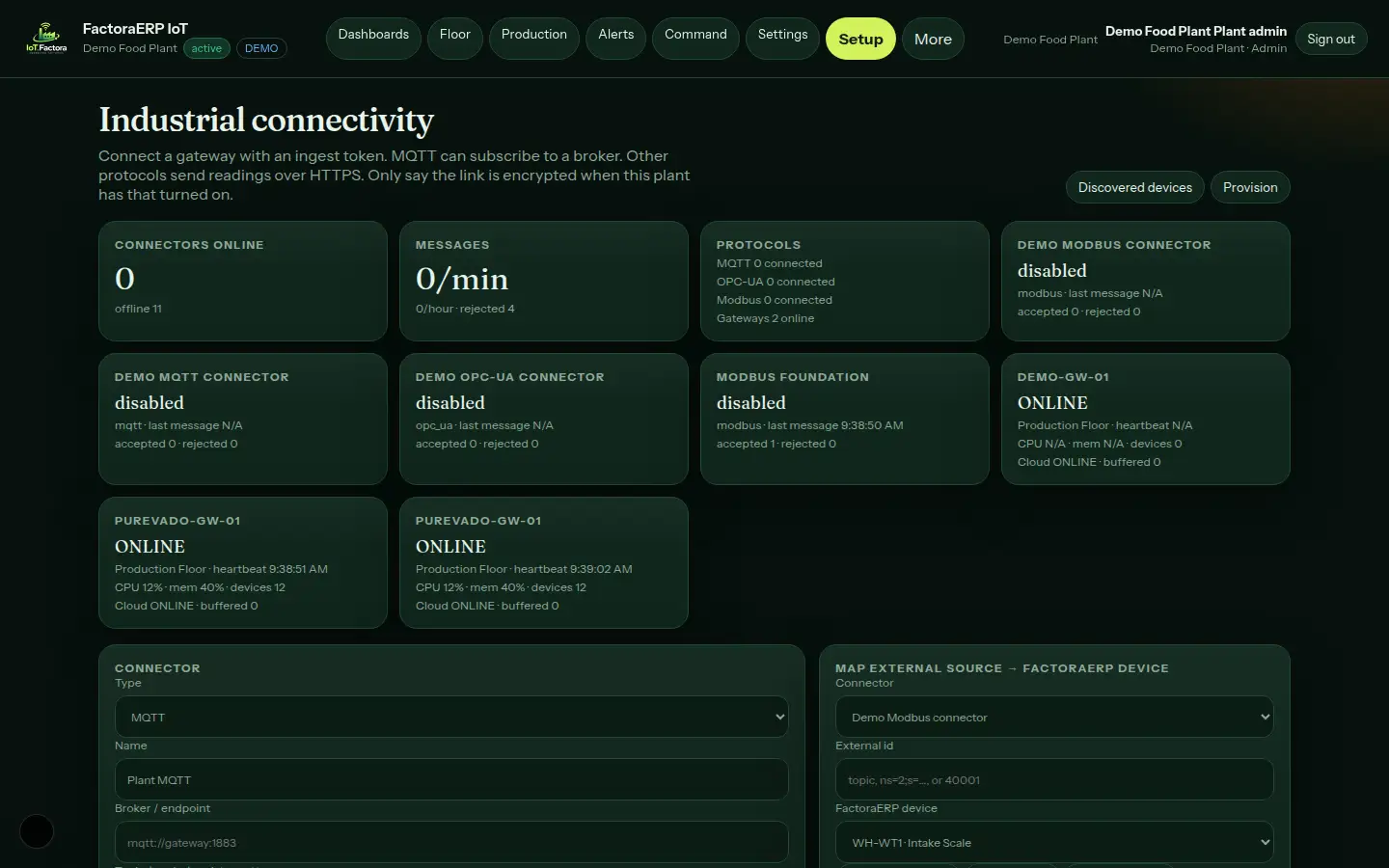
- The worker connects when the connector is enabled. The code is startMqttConnector in src/lib/connector-runtime.ts.
- It subscribes to the connector topics, or to each mapping's external id when the topic list is empty. The default QoS is 1.
- The first mapping whose external id matches the topic is used. A number is read at the value path, then stored with its unit, device, company, and time.
- A repeat is skipped when the message id or the same timestamp was already stored.
- Alert rules for that device run on the new value. A separate scan looks for devices that have gone quiet.
Step 3. Read it on a screen
- The web app reads stored rows for the floor, Alerts, and Plant dashboards. It does not invent a reading.
- Two other doors exist for equipment that is not LoRaWAN: HTTP POST /api/ingest with the device ingest token, and the built-in broker on the server itself.
- The built-in broker username is the device code and the password is the ingest token. The only publish topic is factora/<factory slug>/devices/<device code>/telemetry. The payload must be 16 KB or smaller.
- A paused factory rejects a plant login. An ops owner can still enter it.