Integrations
HTTP and webhooks
Push a reading with the device ingest token. A webhook screen is not in the product yet.
Introduction
Who this is for. An integrator with a meter that can send HTTPS, or that exposes a JSON page Factora can poll.
LoRaWAN is not the only door. A device can POST a number to /api/ingest. Some connectors can poll an HTTP address on a timer. There is no screen named Webhooks.
Architecture
HTTP skips the gateway. The reading still lands in the same device row.
- Ingest tokenShown once when you create or rotate a device. Sent as a bearer token.
- POST /api/ingestAccepts a small JSON body and stores one reading.
- Poll connectorFor other protocol types, Broker / endpoint is an address Factora reads on a timer.
Step 0. Copy the ingest token
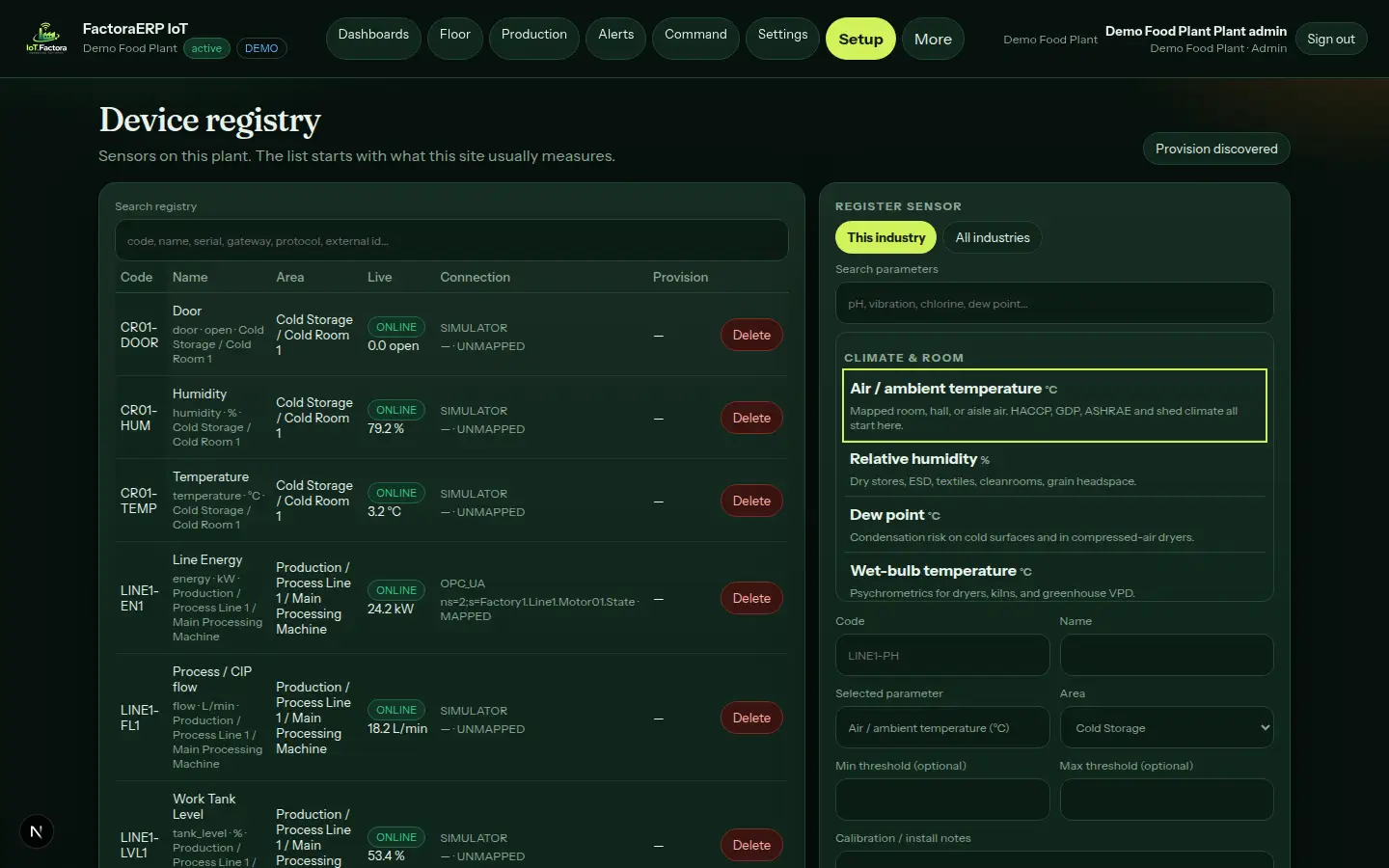
- Open Device registry as admin and choose Create device, or open an existing device and rotate the token if that control is shown.
- Copy the ingest token immediately. It is stored as a hash and is not shown again.
- A LoRaWAN sensor does not use this token. Use it for HTTP and for the built-in broker.
Step 1. POST a reading
- Send HTTPS POST /api/ingest with header Authorization: Bearer and the token.
- The body is JSON, for example a value field, and must be 16 KB or smaller.
- The device page states the same door: send readings to /api/ingest over HTTPS with this device's ingest token.
Step 2. Poll an HTTP address
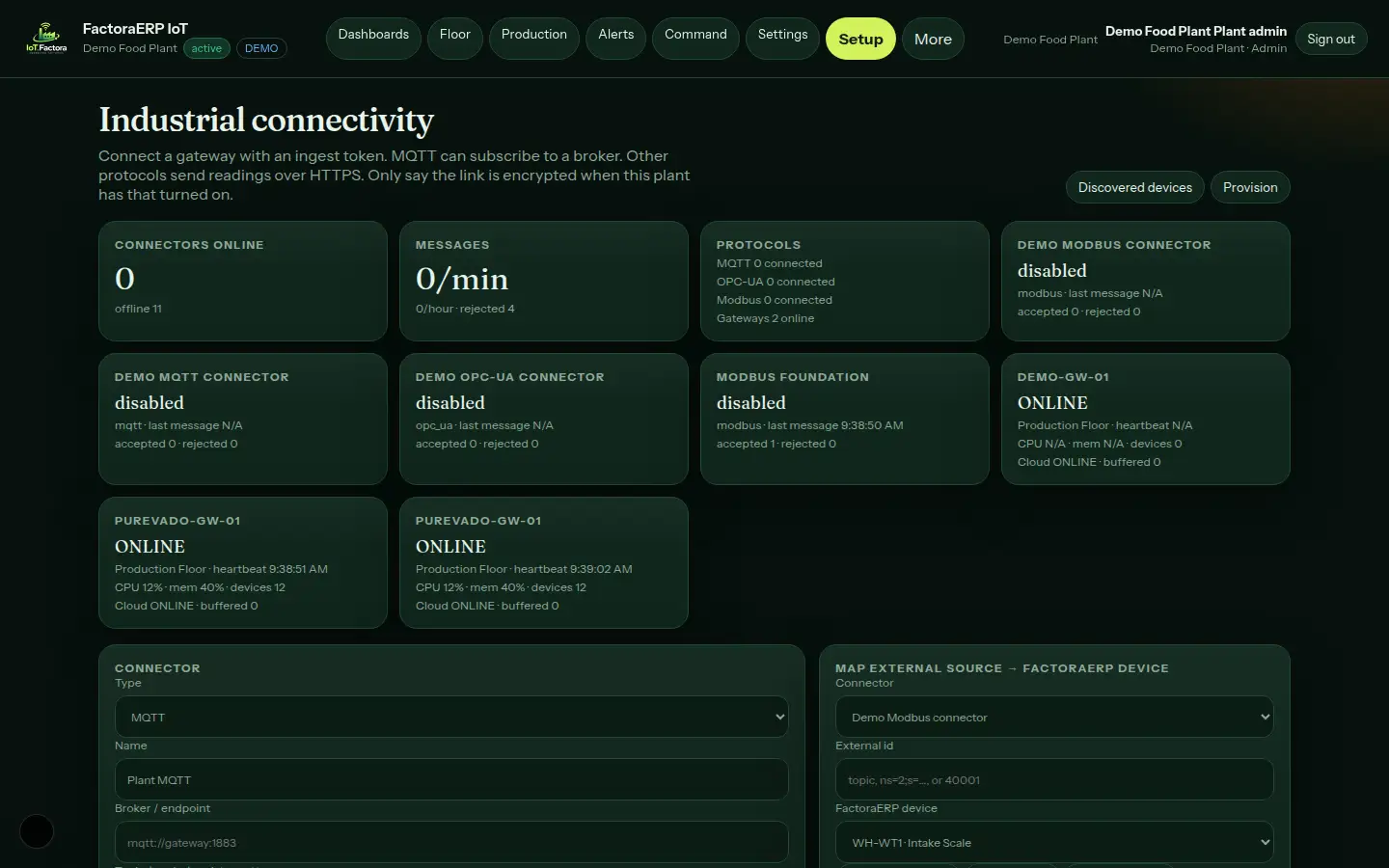
- On Industrial connectivity, a connector whose Type is not MQTT uses Broker / endpoint as the address to read.
- The placeholder on that field is an https address ending in readings.json.
- Choose Save connector. Test connection checks that connector.