
Knowledge Hub

Factora Academy

Knowledge Hub · Courses · IoT.Factora · On the floor · 5 min

Handover

Close the shift, leave a note, and sign out so the next person signs in.

Introduction

What this covers

How to close a shift with a note the next person can use, and how to sign out of a shared phone or tablet.

Why it matters on the floor

A noisy motor, a batch still running, or a door left open is useless if it stays in your head, and the next operator must not inherit your username.

By the end you can

  • Write a shift note for the specific unfinished items, using the factory clock as the opened time
  • Tick sign-out on a shared device before you leave
  • Expect the next person to sign in with their own username

About 5 minutes. Prerequisites: Alerts, so you know which open items belong in the note.

Handover

On Shift, write what the next person needs: a noisy motor, a batch still running, a door that was open.

The opened time is the factory clock.
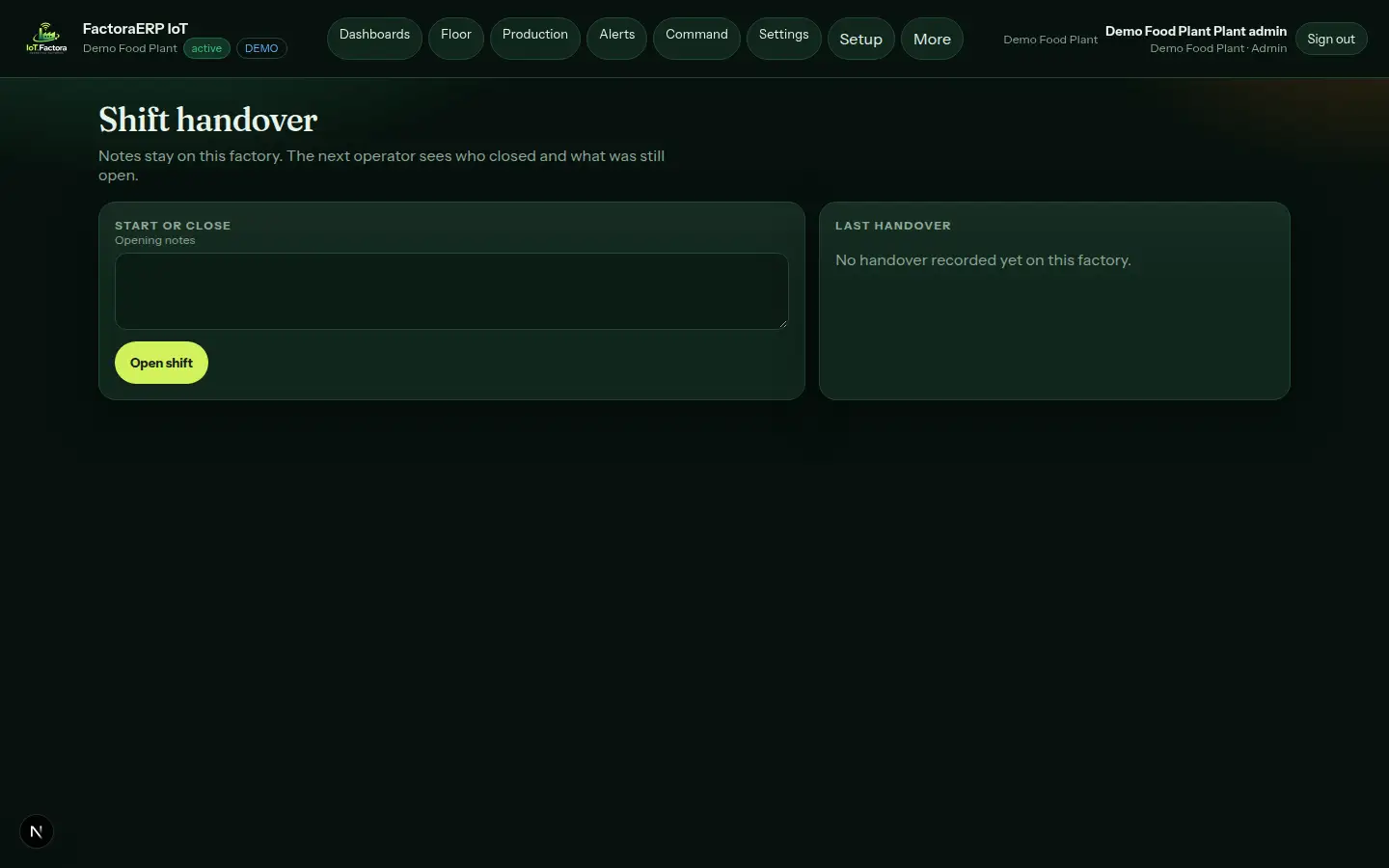
The Shift page with a handover note and the sign-out checkbox.
The note stays with the shift. Tick sign-out before you leave a shared phone or tablet.

Tick Sign out so the next person can sign in before you leave a shared phone or tablet. The next operator must use their own username.

Walk the screen

  1. Open Shift and write the unfinished items: a noisy motor, a batch still running, or a door that was open.
  2. Keep the opened time as the factory clock, not your phone's clock.
  3. Tick sign-out on a shared phone or tablet before you leave.
  4. Tell the next person to sign in with their own username.

Worked example

You leave a note that the demo line's motor was noisy and the batch is still running. The opened time matches the factory clock. You tick sign-out. The next operator sees the note under their own sign-in, not under yours.

Common mistakes

  • Keeping the noisy motor in your head instead of the note.
  • Leaving the shared tablet signed in.
  • Deleting the previous notes to make the page look empty.

Recap

  • The note is for unfinished items the next person needs.
  • Opened time is the factory clock.
  • Sign out so the next username is theirs.

Create a free account or log in to save this lesson on your progress.

Check understanding

Progress is stored in this browser until you log in. Passing is 70%.

1. After you close a shift on a shared tablet you should
2. The opened time on a handover should be
3. On a shared tablet you should sign out so the next person signs in.
4. A batch still running belongs