Knowledge Hub

Factora Academy

Knowledge Hub · Courses · IoT.Factora · On the floor · 6 min

Start of shift

Open the floor, check alerts, and see the batch before you touch a machine.

Introduction

What this covers

How to open a shift on your own username: Floor, Alerts, Production, and the shift note, before you touch a machine.

Why it matters on the floor

A shared tablet left on the last person's login hides who acknowledged an alert, and a guessed number on the batch screen becomes the record the next shift trusts.

By the end you can

  • Sign in with your own username and leave the previous person's session
  • Check cold rooms and the running line on Floor, then acknowledge open alerts
  • Confirm the batch and product on Production, and add a shift note only for unfinished handover items
  • Tell a supervisor when a number looks wrong instead of typing a guess

About 6 minutes. Prerequisites: None. This is the first lesson on the floor track.

Start of shift

  1. Sign in with your own username. Do not stay on the last person's login.
  2. Open Floor. Check the cold rooms and the line that is running.
  3. Open Alerts. Acknowledge anything that is still open.
  4. Open Production. Confirm the batch and the product.
  5. Open Shift and add a note if the last handover left something unfinished.
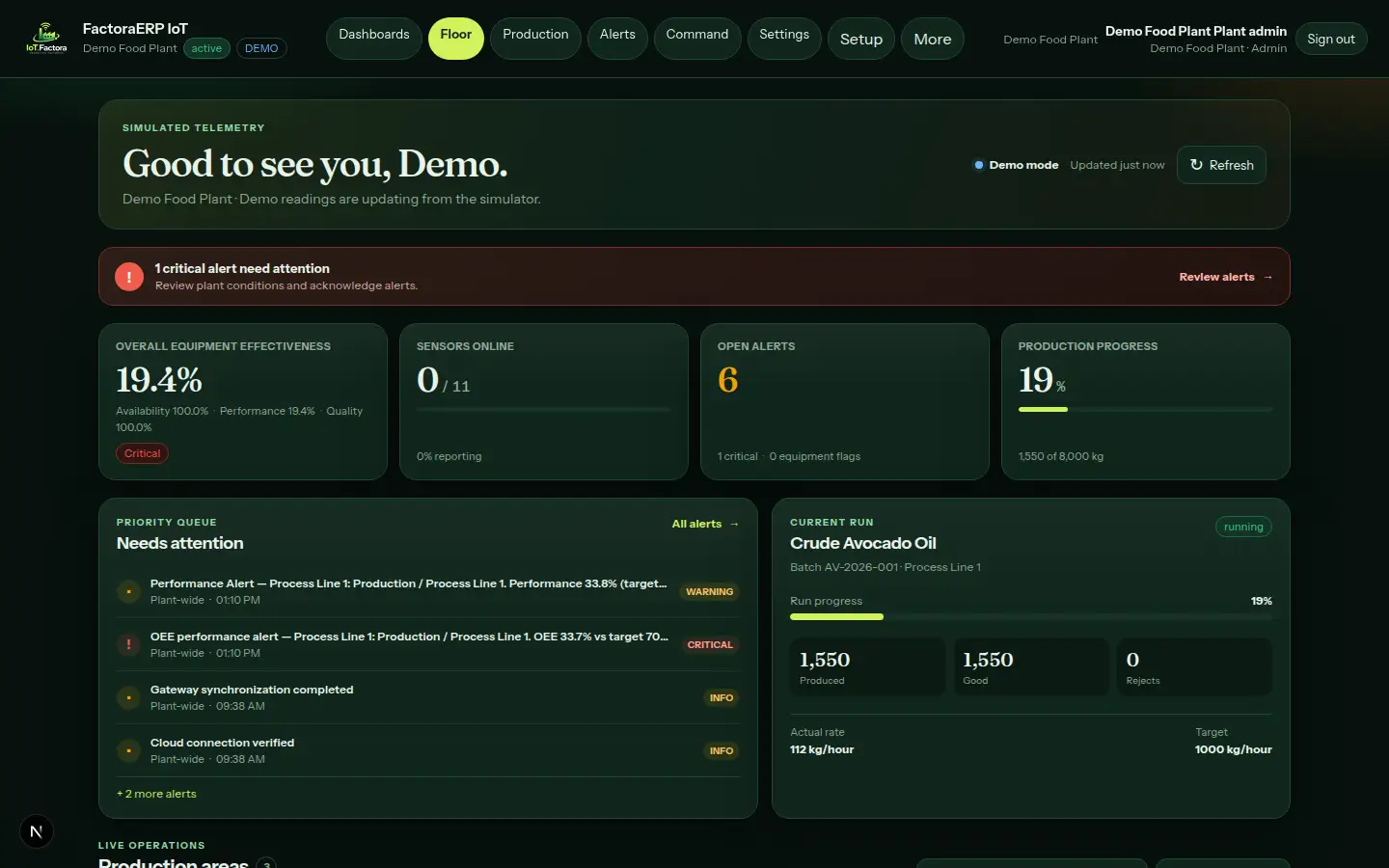
Demo Food Plant floor, marked DEMO, with cold rooms and the Food Processing Line.
Floor is the live plant. This practice factory shows DEMO because its telemetry mode is demo.
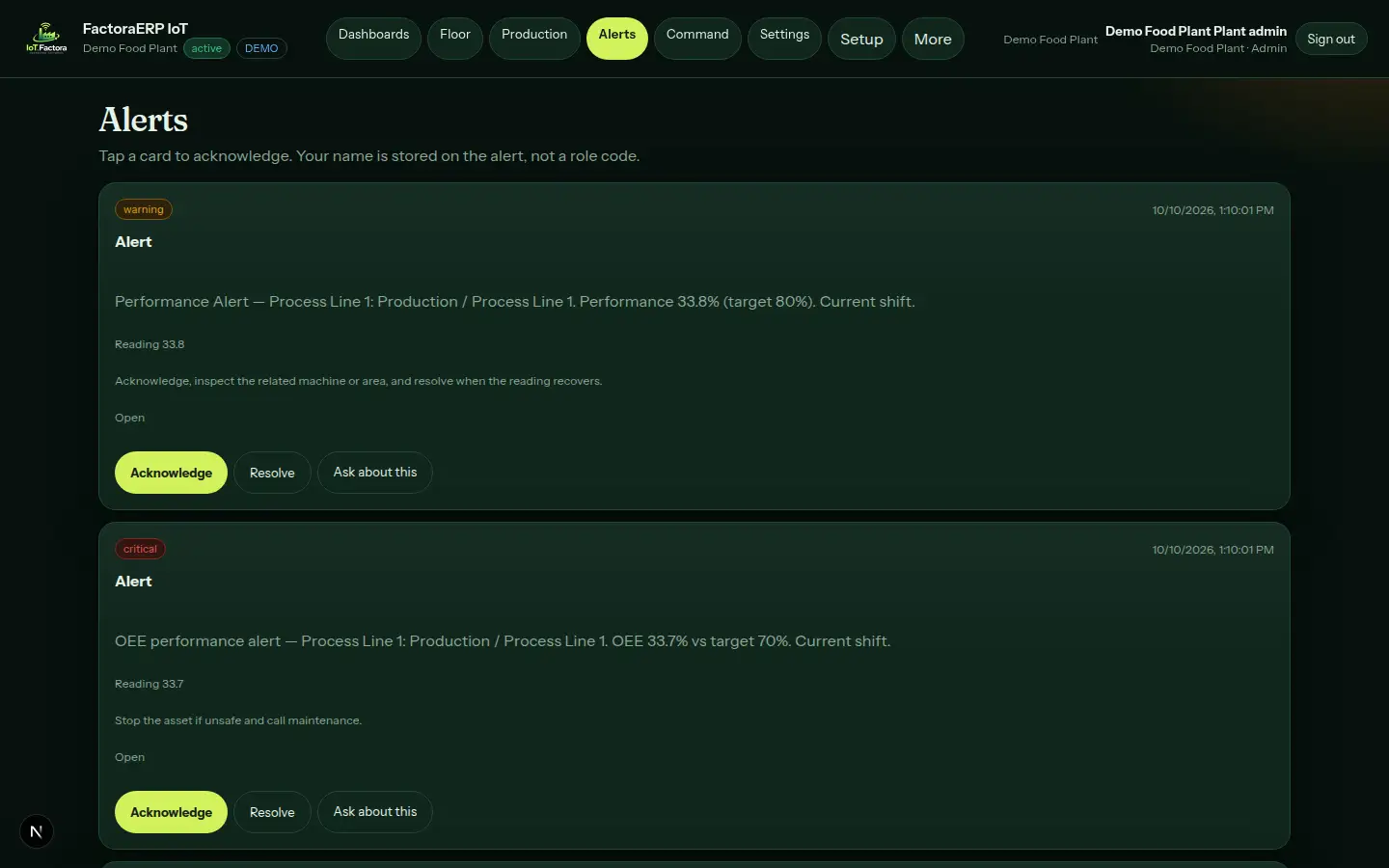
Open alert cards for the cold rooms and the line.
Each card names the problem and the place. Acknowledge stores your name. Closing the alert is for maintenance.
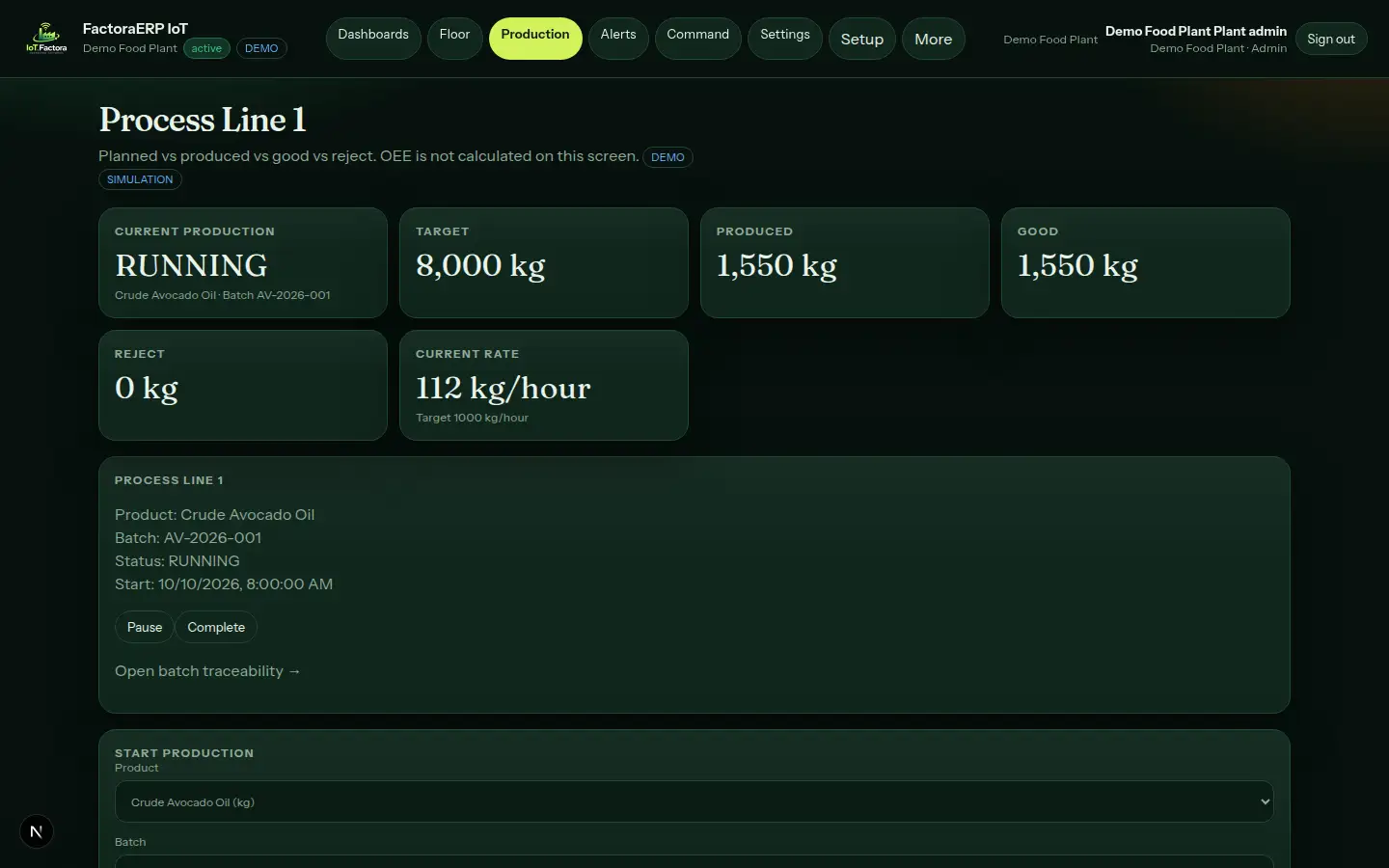
Production on the Food Processing Line.
Confirm the batch here. A reading that has no batch is shown as missing, not filled in with a guess.
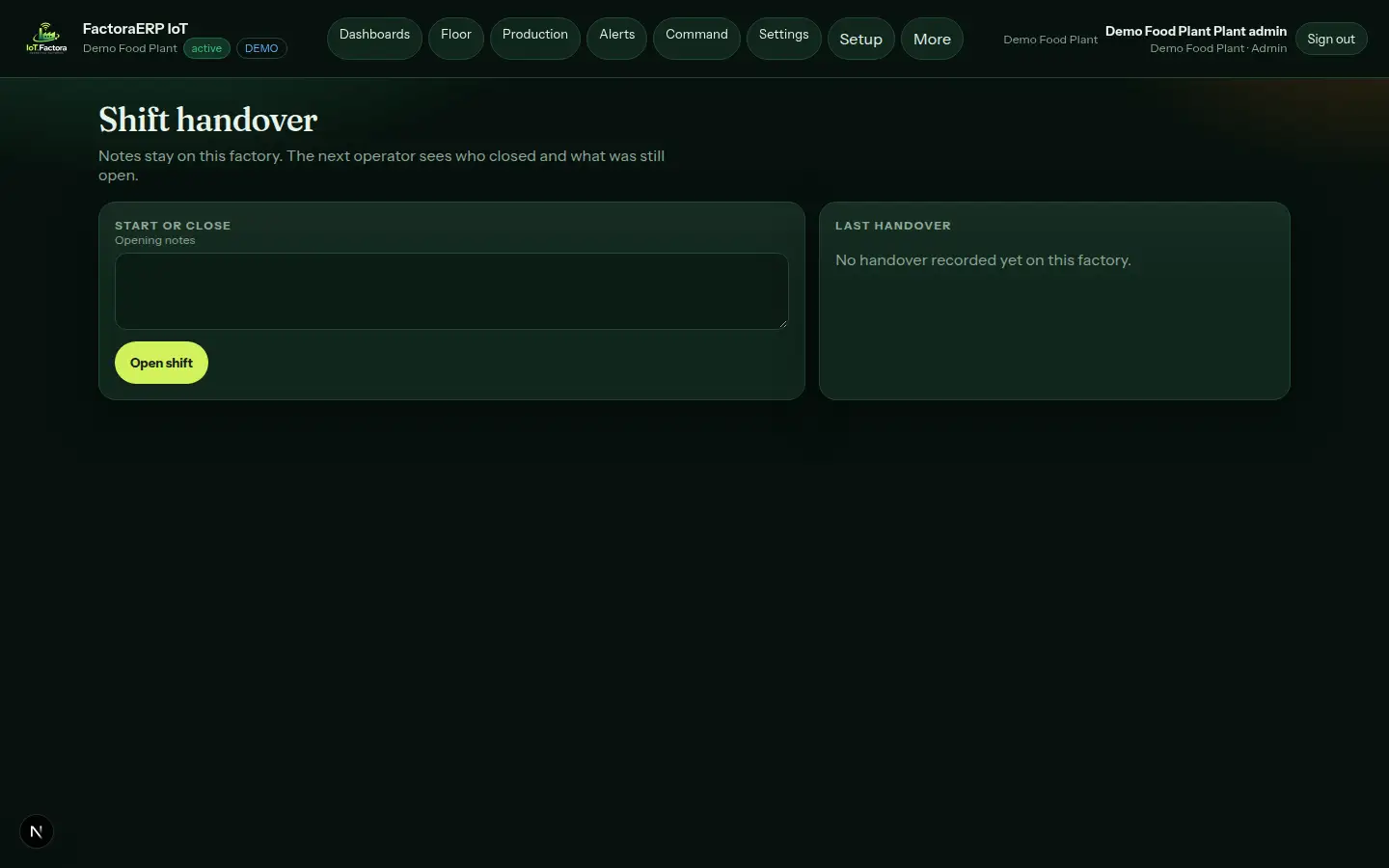
Shift handover with a note for the next person.
Write what is still unfinished, then sign out on a shared tablet.

If a number looks wrong, tell the supervisor. Do not type a guess.

Walk the screen
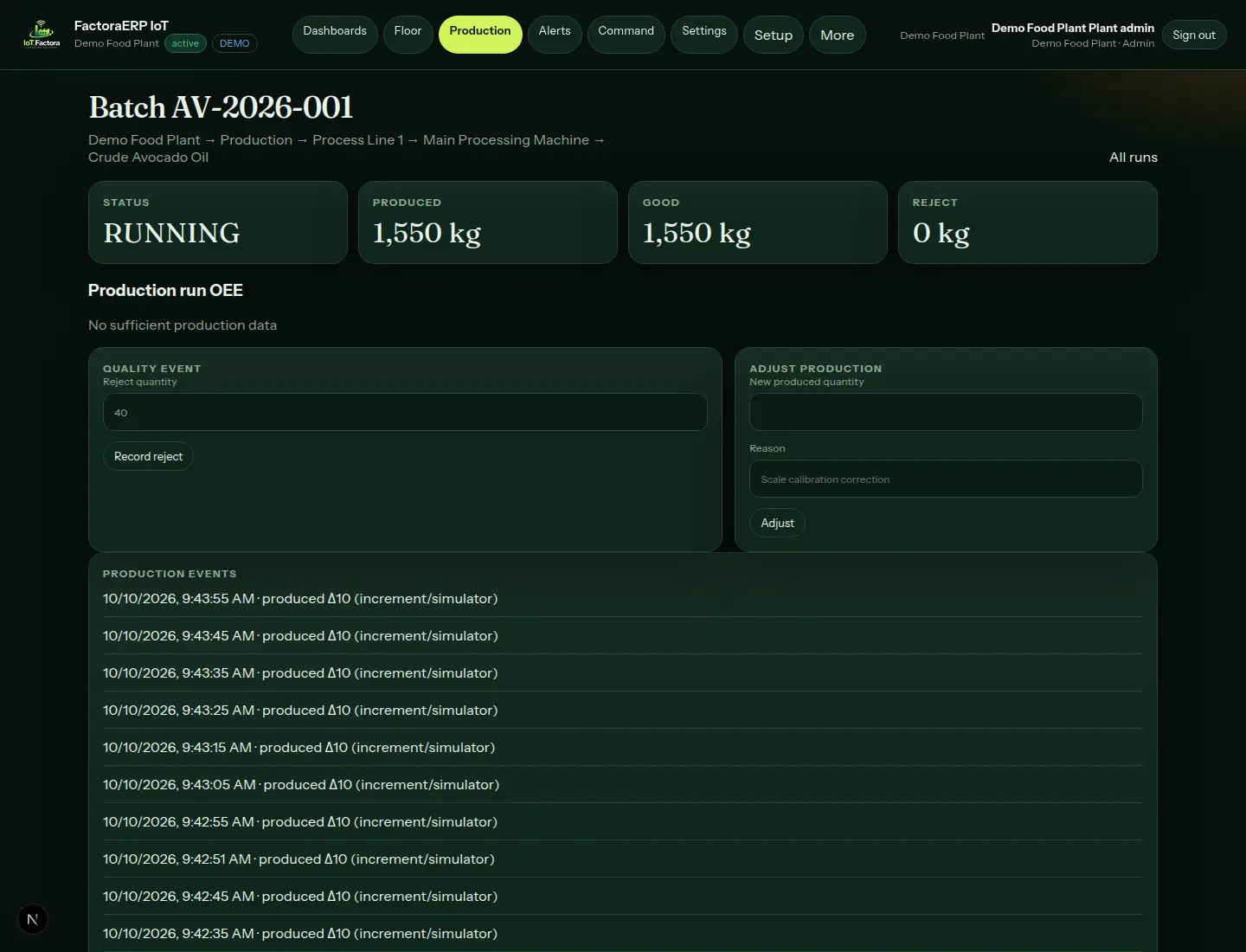
Production run for the demo batch, with produced quantity and no invented total.
Open the run to confirm the batch. A demo factory keeps the DEMO label until telemetry is switched to live.
  1. Sign in as yourself on the shared tablet. The previous name in the corner means you are still in their session.
  2. On Floor, read the cold rooms and the line that is running before you acknowledge anything.
  3. On Alerts, acknowledge what is open. All clear means there is nothing to acknowledge.
  4. On Production, read the batch and the product. A missing reading stays missing.
  5. On Shift, add a note only for unfinished handover items, then leave the screen ready for the next person.

Worked example

The demo food line shows a cold room and a running batch. You acknowledge the open cold-room alert under your name, confirm the batch on Production, and write nothing on Shift because the previous note was already closed. You do not type a temperature to fill a gap.

Common mistakes

  • Staying on the last person's session because the tablet was already open.
  • Typing a guessed reading when Production shows the value missing.
  • Acknowledging alerts only after the shift note, so the wet-floor step is late.

Recap

  • Own username, then Floor, Alerts, Production, Shift.
  • Acknowledge stores your name. It does not close the alert.
  • A wrong-looking number goes to a supervisor, not into the batch.

Create a free account or log in to save this lesson on your progress.

Check understanding

Progress is stored in this browser until you log in. Passing is 70%.

1. Whose login should be on a shared tablet?
2. What do you check first after the floor?
3. A reading with no batch on Production should be
4. You should sign in with your own username at the start of the shift.