
Commissioning
Still telemetryMode=demo until cutover so the simulator can prove the UI, or leave simulator off and use live MQTT from day one — pick one and label it.
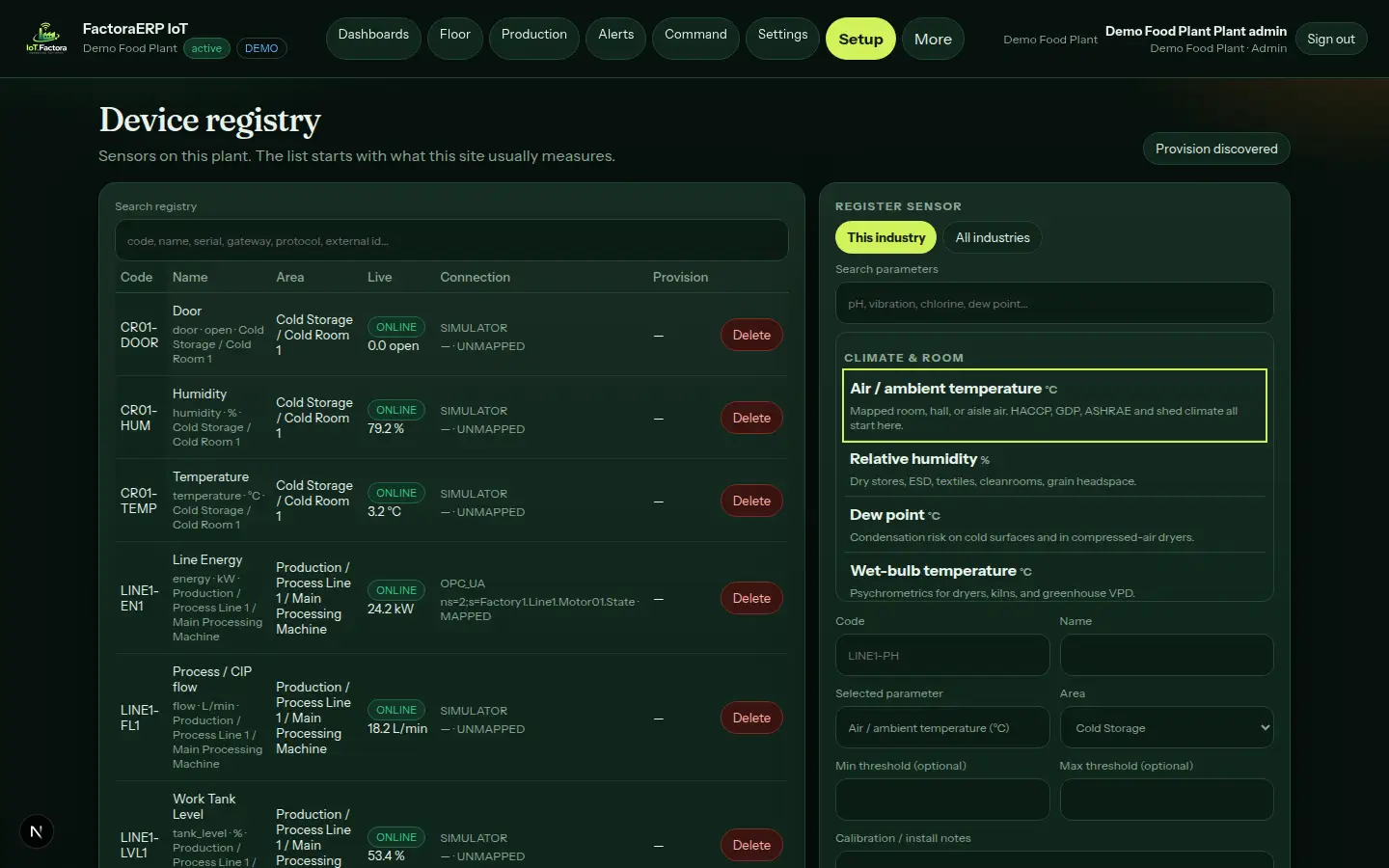
- Device codes stable and printable (match MQTT usernames).
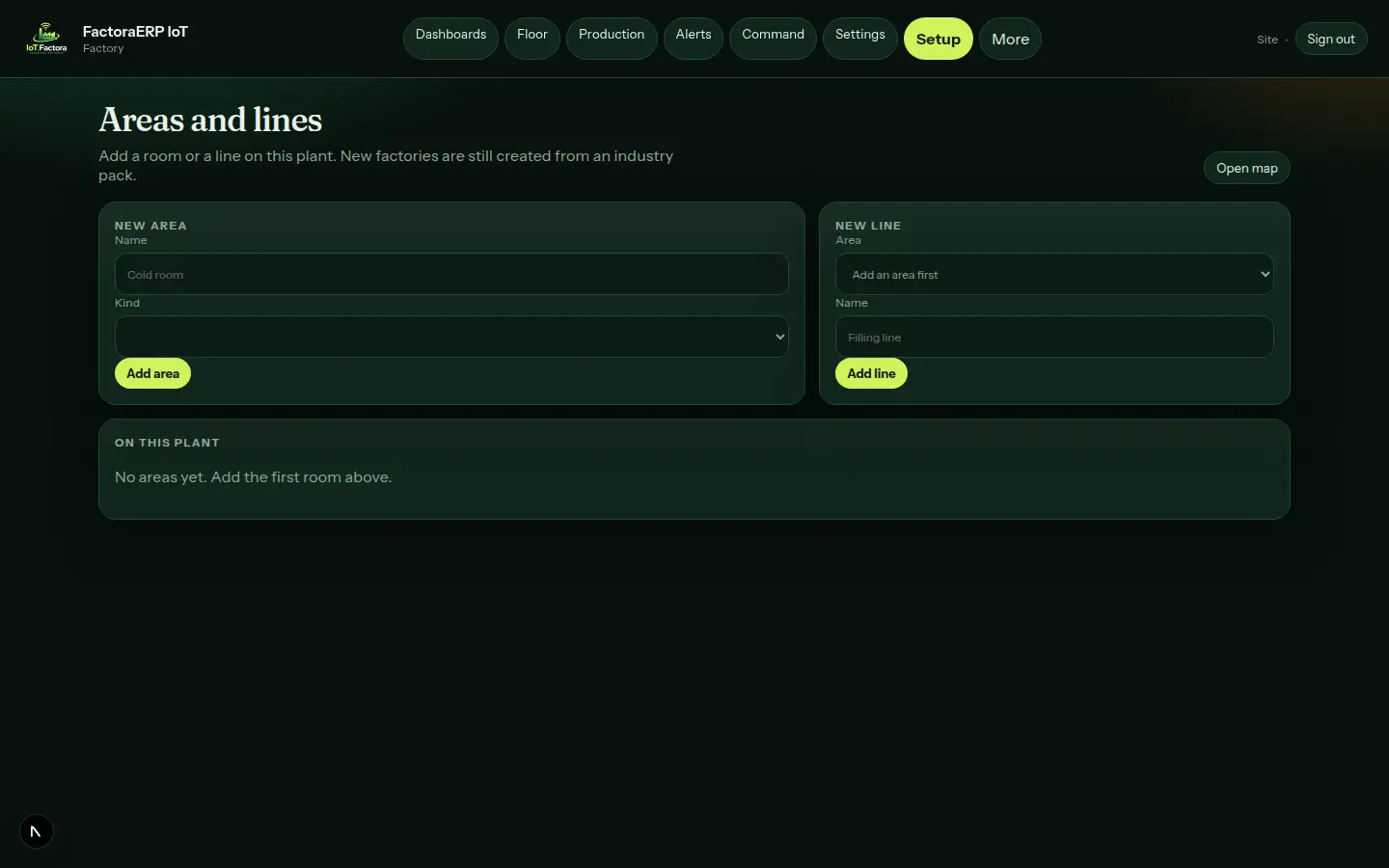
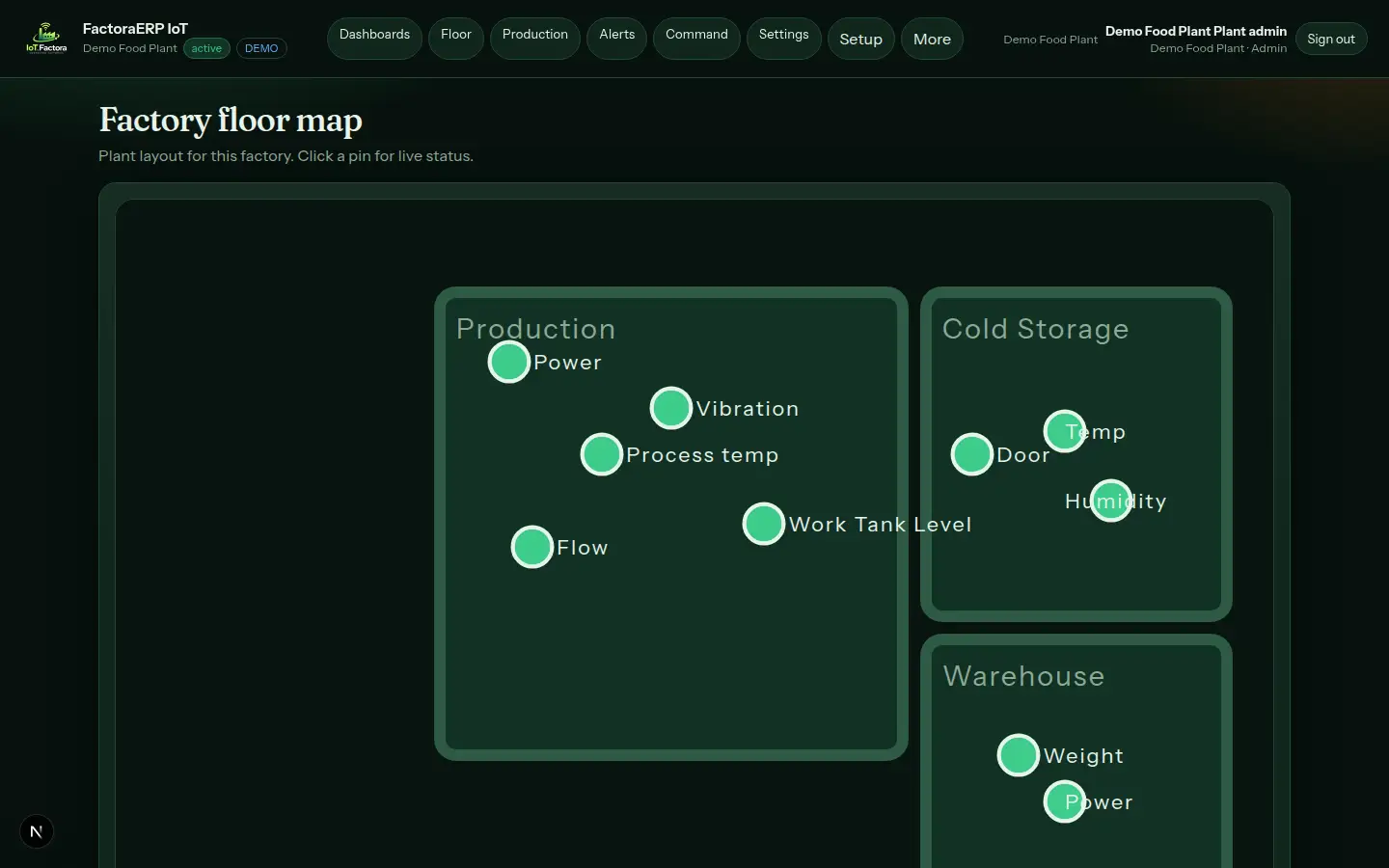
- Floor map placement (machine vs line vs area).
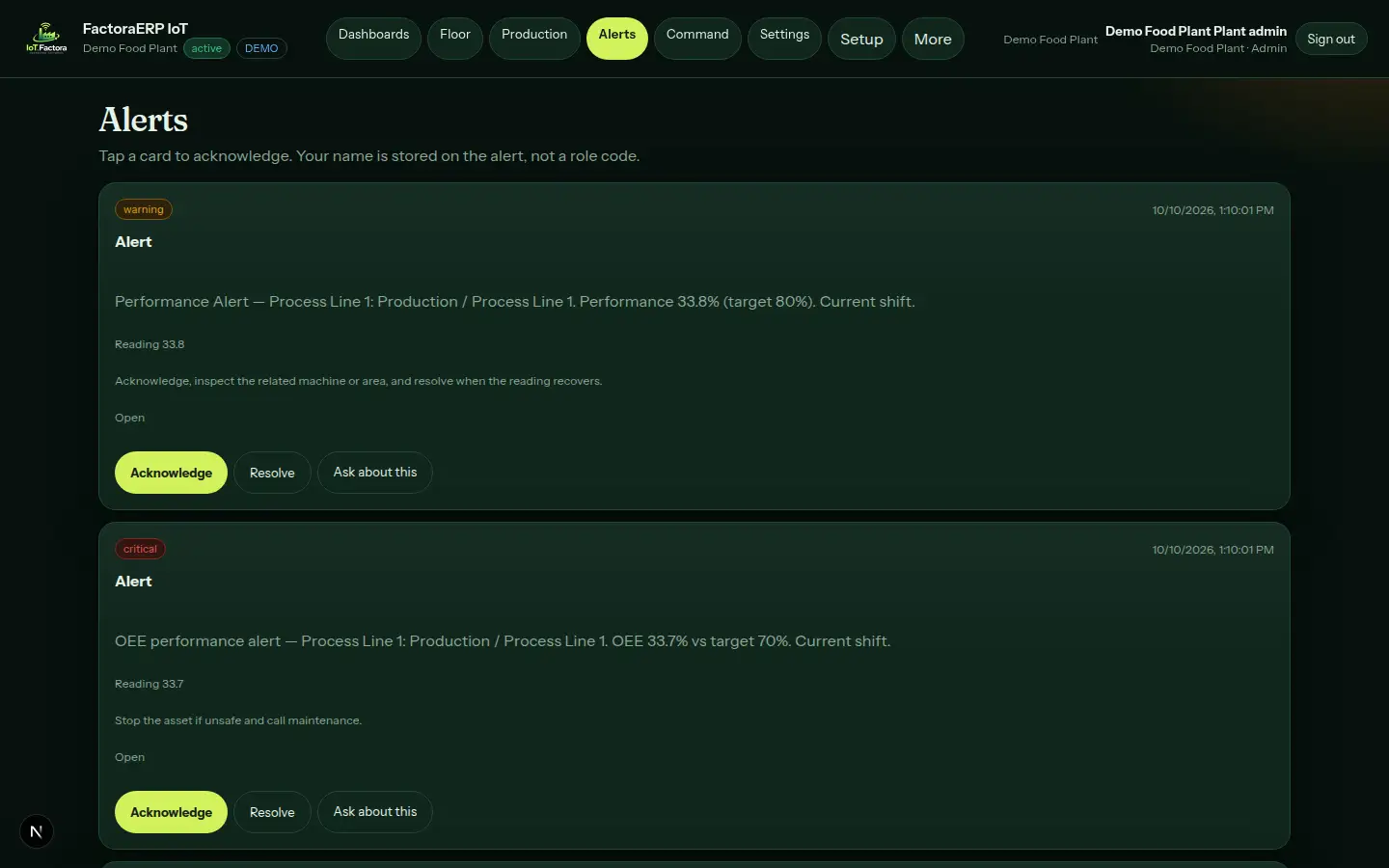
- Alert rules: min/max, offline seconds, severity. Door is binary.
- Shift hours used for shift range; today is still midnight.
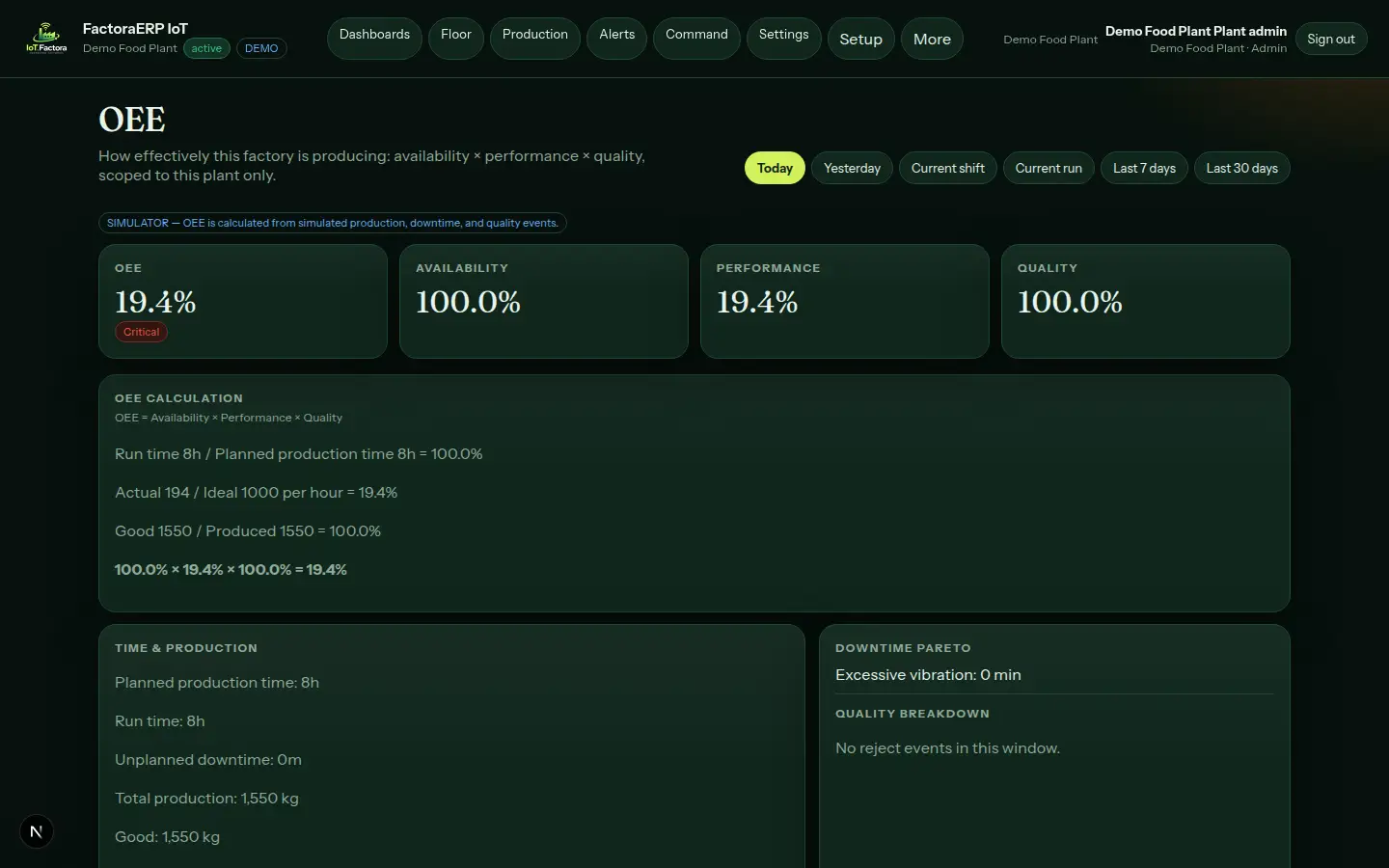
- OEE config (admin): ideal rates on runs, not invented plant-wide 85%.
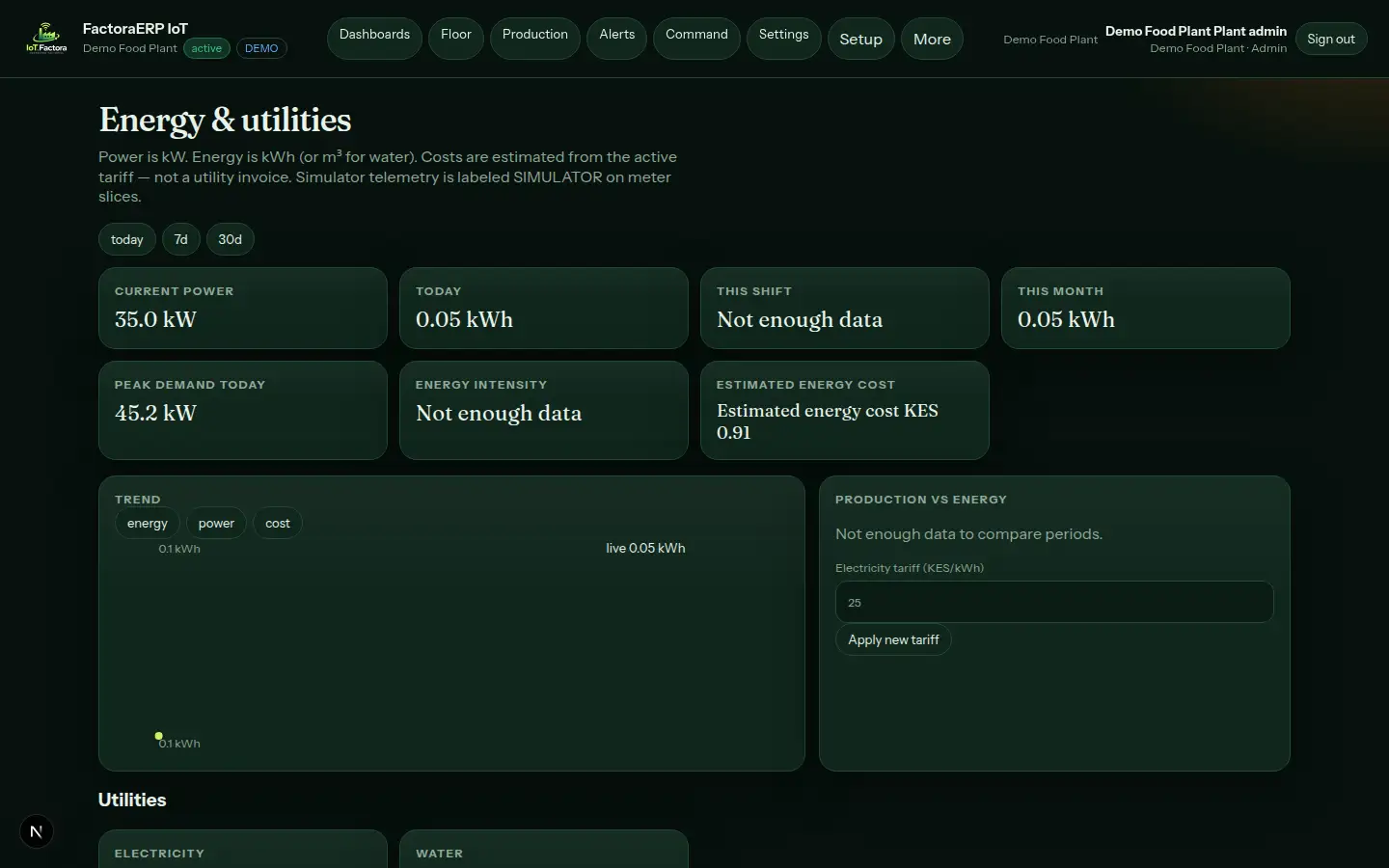
- Utility tariffs for energy cost estimates.
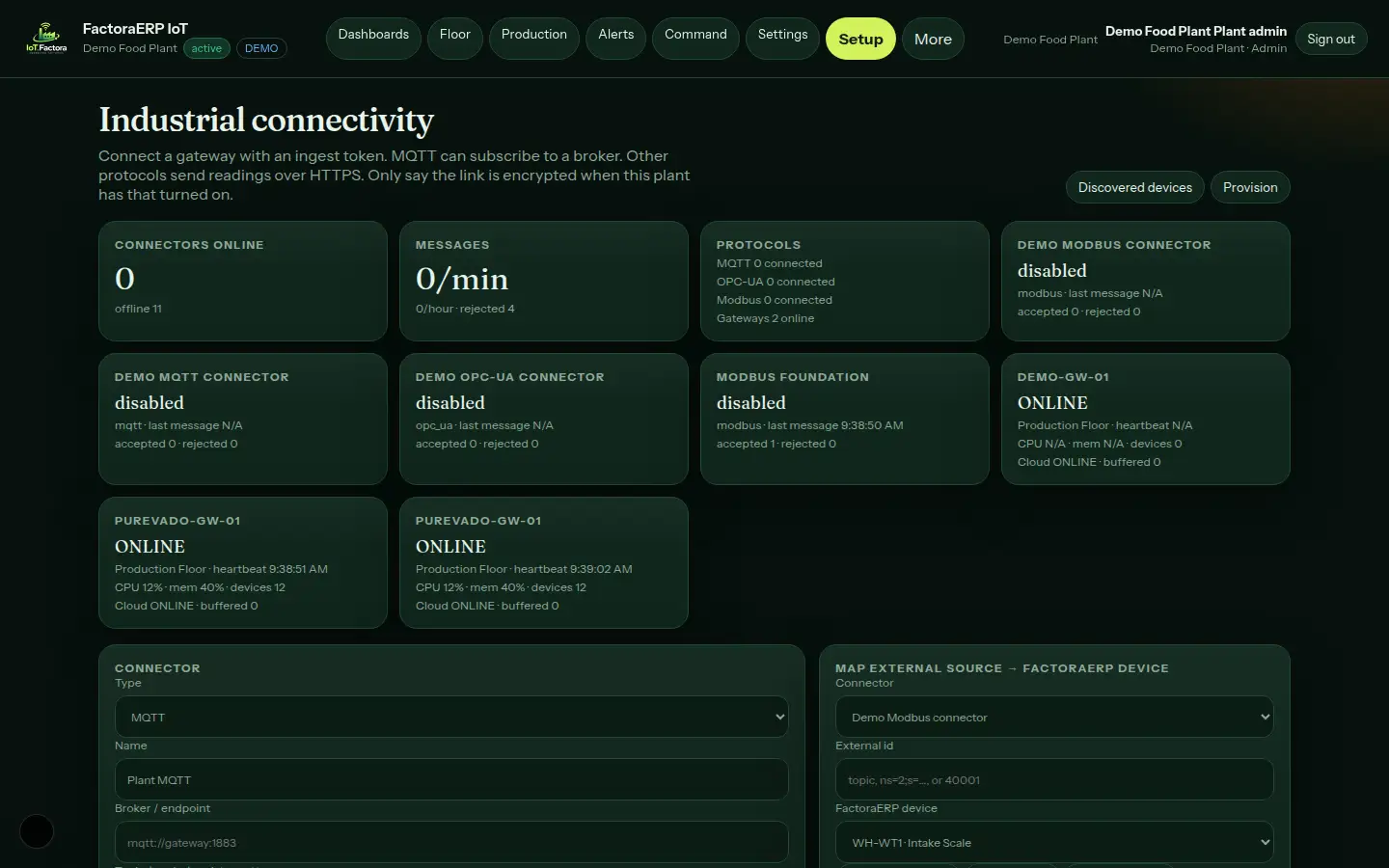
- Gateways registered with heartbeat.
- Role training: operator ack vs maintenance resolve.
Walk the screen
- Pick demo or live and label it. Do not mix a simulator story with a live story.
- Print device codes that match the MQTT usernames, and place them on the map.
- Set alert thresholds from the plant spec. A door is binary.
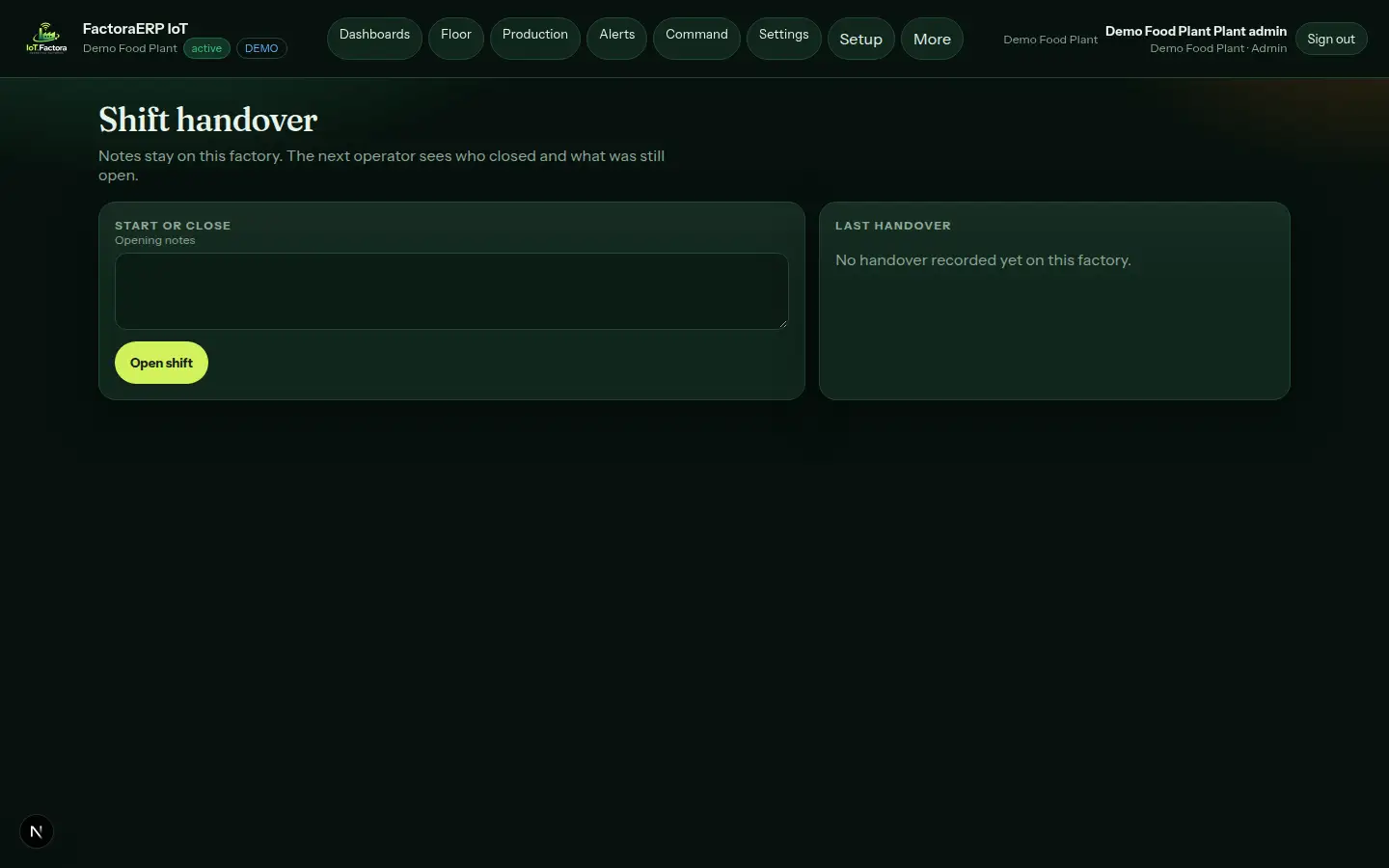
- Set shift hours, tariffs, and gateway heartbeats while you can still see which mode you are in.
- Set OEE ideal rates on runs. Do not type a plant-wide 85 percent.
- Show operators how to acknowledge and maintenance how to resolve.
Worked example
The cold-room threshold comes from the plant spec, not from a brochure. The door contact is binary. OEE stays insufficient until a run has an ideal rate. The registry screenshot in the lesson is enough. You do not open a token in the classroom.
Common mistakes
- Copying a brochure temperature into the alert rule.
- Typing a plant-wide OEE target.
- Commissioning location devices that were not surveyed.
Recap
- Codes, map, alerts, shift, OEE, tariffs, and gateway heartbeats.
- Thresholds come from the plant spec.
- Demo or live is a choice you label.