
Cutover
When hardware is publishing:
- Confirm live readings with
sourcemqtt/sensor, not simulator. - Set
telemetryModeto live. - Simulator must stop for that company.
- DEMO pill should not appear for that factory.
- Status active (not paused).
- Rotate any tokens that were used in a public workshop.
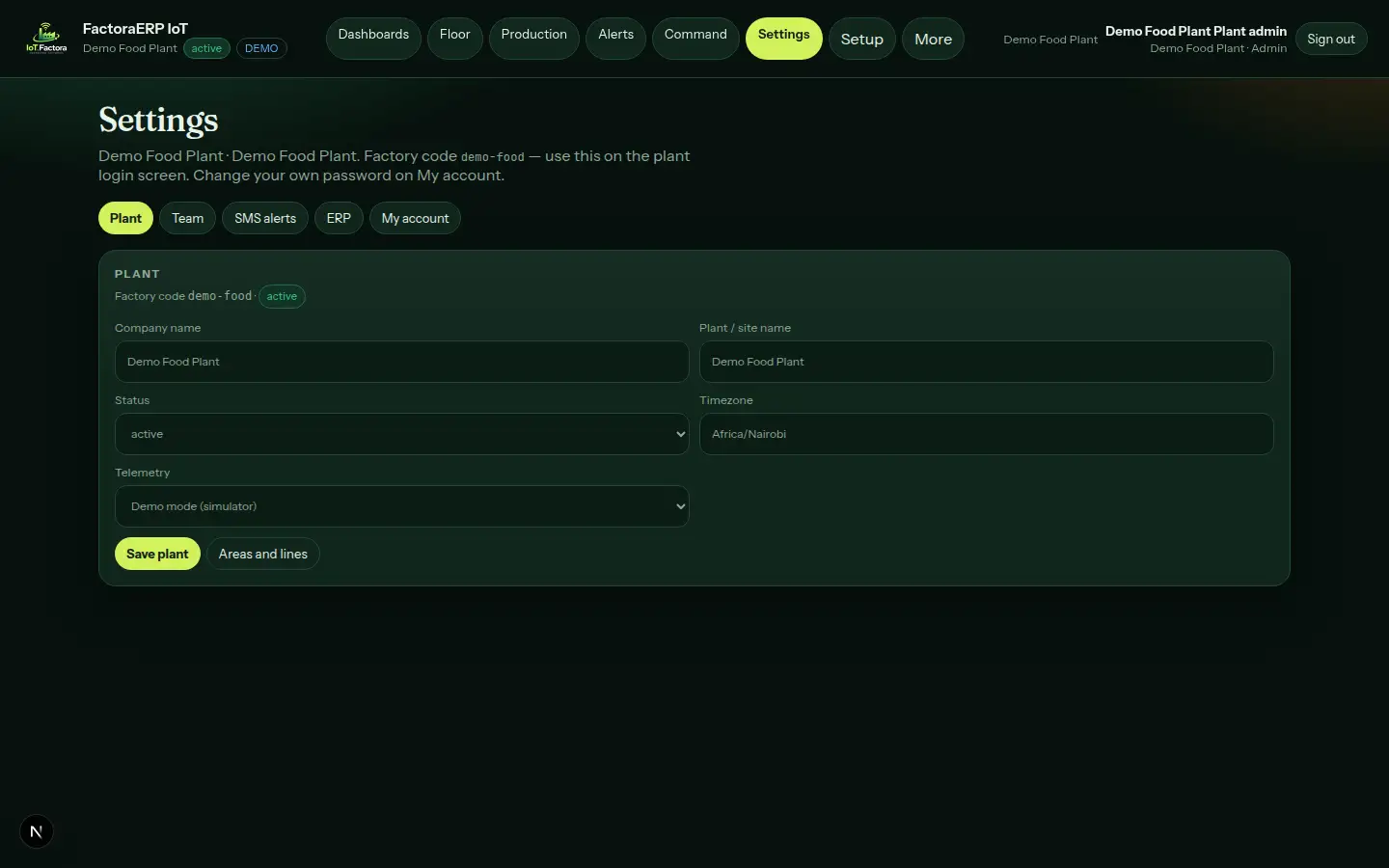
If MQTT is not yet flowing, do not switch to live just to “look production” — you will have a dark floor.
Walk the screen
- Confirm readings are arriving with source mqtt or sensor, not simulator.
- Only then set telemetry mode to live.
- Confirm the simulator has stopped for that factory and the DEMO label is gone.
- Leave the factory active, not paused.
- Rotate any token that was used in a public workshop.
- If messages are not arriving, do not switch to live to make the project look finished.
Worked example
The sandbox devices are publishing. You switch that factory to live, the DEMO label disappears, and the simulator stops. A second factory that is still a sales demo stays on demo. The workshop token is rotated before the switch is called complete.
Common mistakes
- Switching to live while the floor is still dark.
- Leaving a workshop token in place.
- Expecting the DEMO label to remain as a comfort.
Recap
- Live means real messages and no simulator.
- The DEMO label must go.
- No messages means do not switch.