
Site survey
Walk the plant with the week-one asset list from sales.
- Power: 24 V vs mains vs battery vs solar
- Backhaul: Ethernet to the rack, 4G signal strength, LoRaWAN line-of-sight vs metal halls
- Regional LoRaWAN plan and duty cycle
- Hazardous zoning (certified hardware for the zone, not a generic indoor gateway)
- Location tags only if they are in the signed BOM (anchor density, ceiling height)
- Metering: pulse vs Modbus vs CT
- Who holds the firewall exception for TCP 1883 to
iot.factoraerp.com(and 443 for the UI) - Skip any vendor that does not have a datasheet yet
Deliverable: a marked floor plan that later becomes the Factora floor layout.
Walk the screen
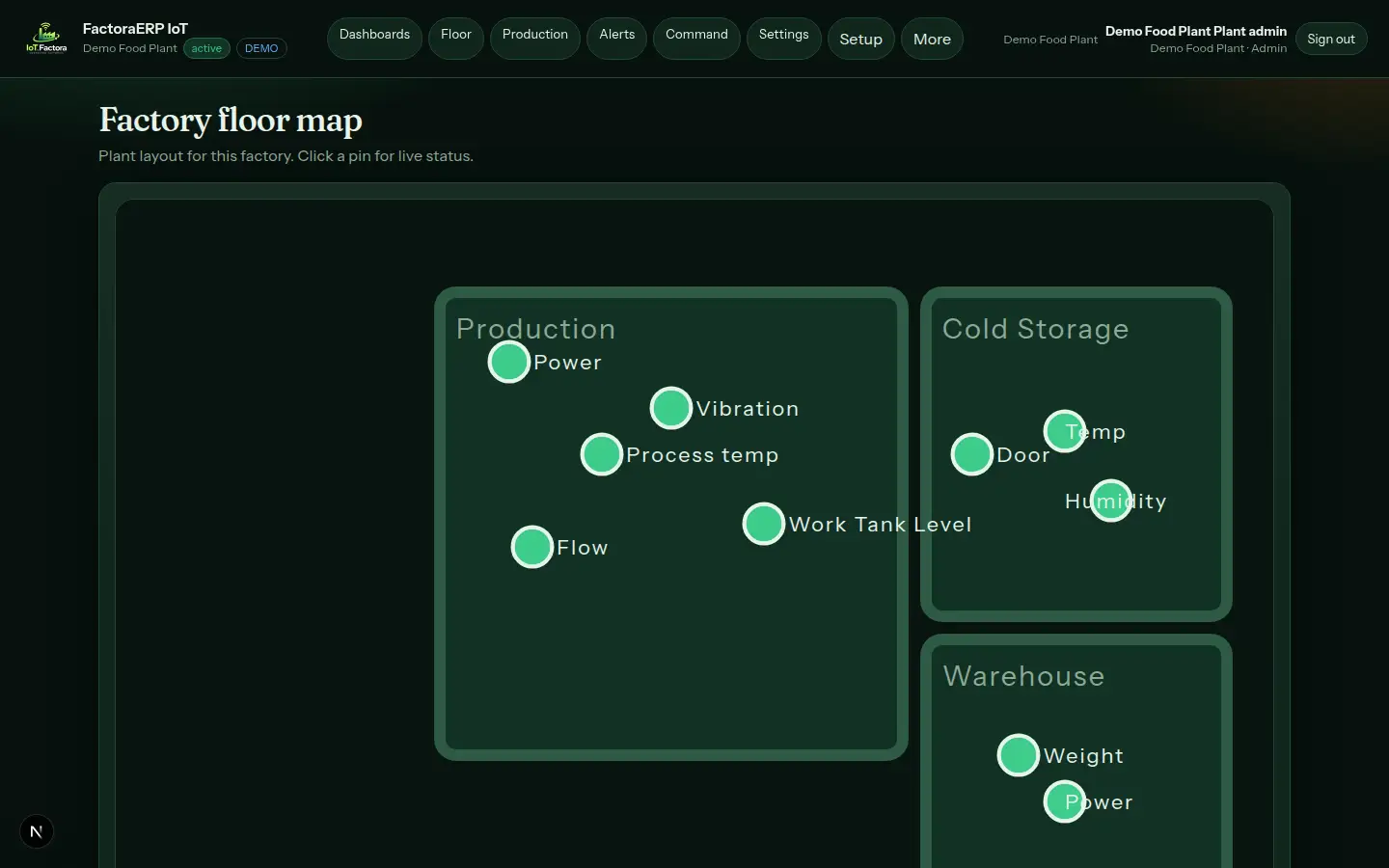
- Walk with the week-one asset list. Mark power as 24 V, mains, battery, or solar.
- Mark backhaul: Ethernet to the rack, cellular signal for an industrial gateway, or LoRaWAN line of sight through a metal hall.
- Record the regional plan and who will set it on the gateway.
- Mark hazardous zones so the gateway model can be Ex or indoor.
- Include location anchors only when location tags are on the signed hardware list.
- Name who opens TCP 1883 to the plant host, and 443 for the interface. Skip a vendor with no datasheet.
- Deliver a marked floor plan. That drawing is what later becomes the map.
Worked example
The walk finds a metal hall between the cold room and the rack, so the LoRaWAN path is marked blocked and Ethernet is the alternative. The hazardous store is hatched for an Ex gateway. Location tags are not on the signed list, so no anchor spacing is designed. The marked plan is the input to the factory map.
Common mistakes
- Ordering an indoor gateway before the hazardous zone is walked.
- Designing location tracking that was not sold.
- Leaving the firewall owner unnamed.
Recap
- Survey power, radio, backhaul, and hazardous areas before hardware arrives.
- The deliverable is a marked floor plan.
- No datasheet means that vendor is skipped.