Knowledge Hub

Factora Academy

Knowledge Hub · Courses · IoT.Factora · Technical · 16 min

Energy, vibration, counters

Map meters and counters so OEE and energy stay honest.

Introduction

What this covers

How to map power, energy, vibration, and production counters so OEE and the energy screens stay honest.

Why it matters on the floor

A meter reset stored as a huge consumption spike, or vibration written into the production count, makes those screens lie for the rest of the day.

By the end you can

  • Keep kilowatts, kilowatt-hours, and amps on different registry types
  • Let cumulative energy use the change between readings, and stop a meter reset from becoming a giant consumption figure
  • Send counters to production and OEE, use vibration only as a fault hint, and leave work-order submission to a person

About 16 minutes. Prerequisites: Provisioning, so units are checked before a device is activated.

Mapping to OEE and energy

  • Power (kW) vs energy (kWh) vs current (A) are different registry types.
  • Cumulative kWh uses delta logic; a meter reset must not become a giant consumption.
  • Vibration mm/s can suggest machine FAULT when critical; it does not set production counts.
  • Production counters go to production/OEE. Overlapping open runs still count in the window.
  • Maintenance triggers can open a WO from an alert; Copilot does not submit the WO.
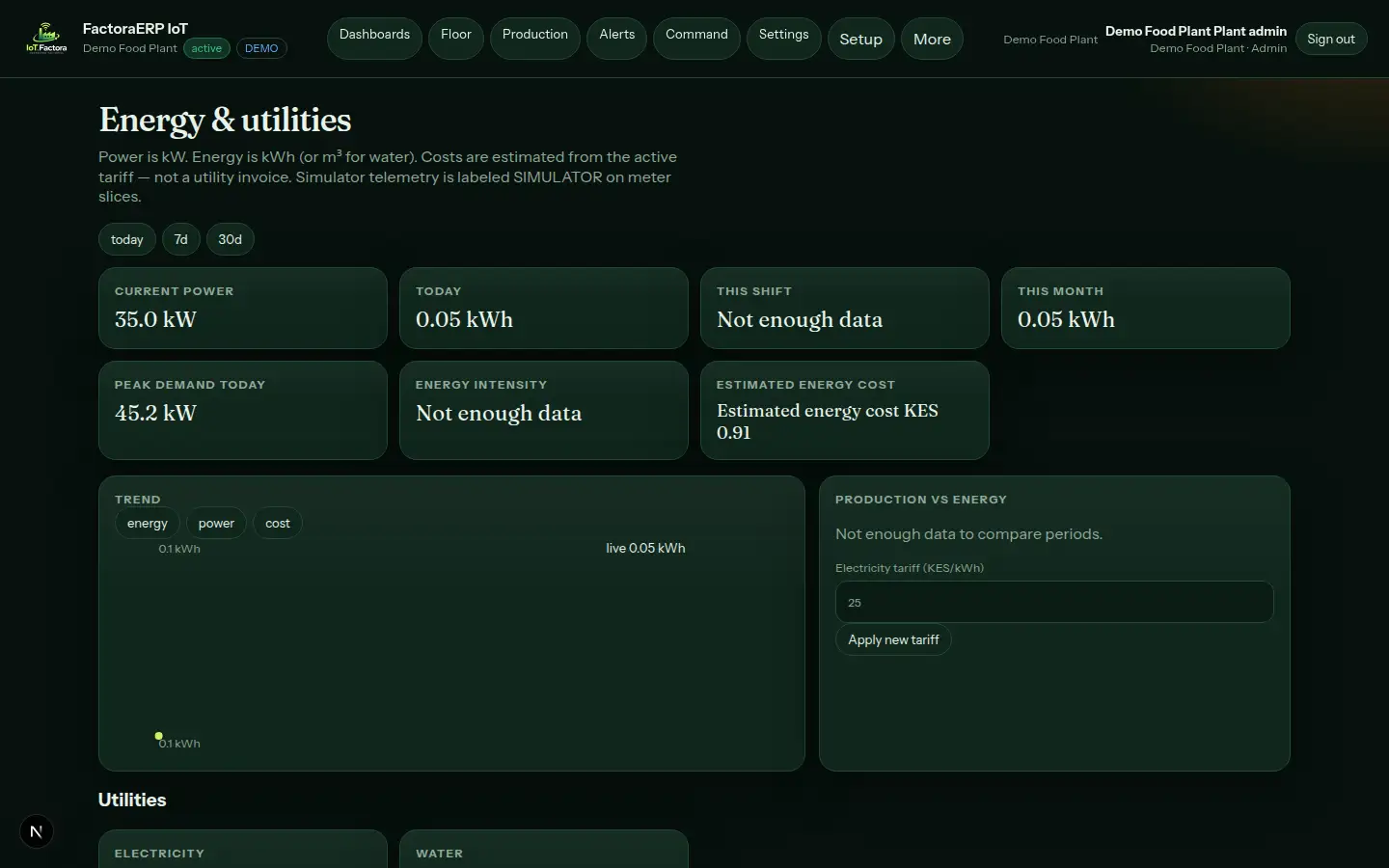
Energy for Demo Food Plant. Intensity is insufficient when the window has no production.
Keep kW, kWh, and amps as different registry types so a meter reset is not stored as a huge consumption.
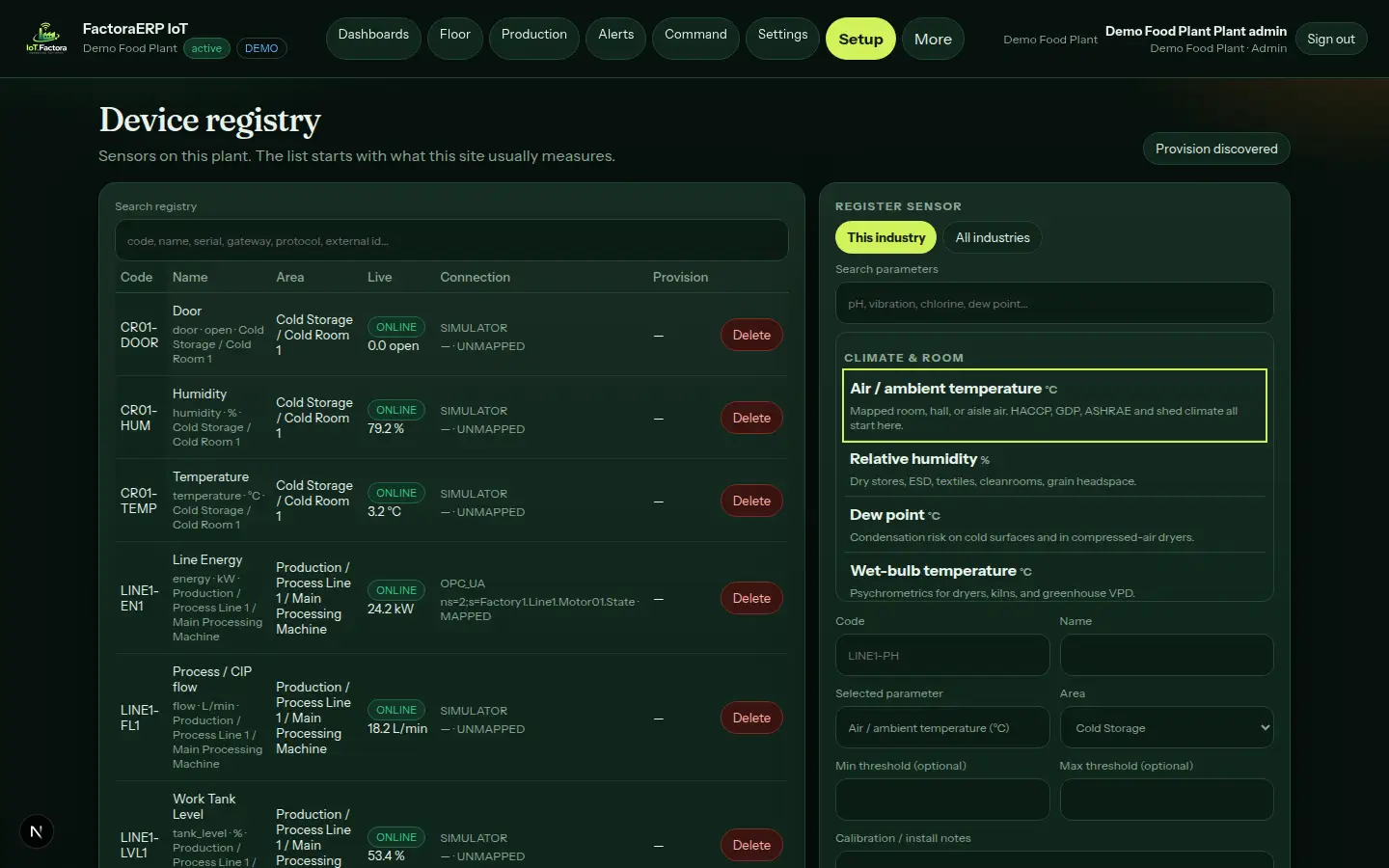
Sensor registry types on the same plant, including energy and vibration devices.
Production counters belong on production and OEE. Vibration can suggest a fault. It does not increment the produced count.

Walk the screen

  1. Register power, energy, and current as different types.
  2. Let cumulative energy use the change between readings.
  3. Treat a backwards or reset meter as a reset, not as a huge consumption.
  4. Send production counters to production and OEE.
  5. Use vibration as a fault hint only. It does not increment the produced count.
  6. Leave work-order submission to a person. An alert may open a work order. The copilot does not submit it.

Worked example

A meter falls from 5,000 kWh to 12 kWh. You treat that as a reset, not as 12 kWh of new consumption and not as a negative spike you add into the day. The vibration sensor can suggest a fault and the counter device is what moves OEE.

Common mistakes

  • Mapping kilowatts onto a cumulative energy type.
  • Adding the post-reset reading as today's consumption.
  • Letting a vibration value increment production.

Recap

  • kW, kWh, and amps stay different.
  • A meter reset must not become a giant consumption.
  • Counters feed OEE. Vibration does not.

Create a free account or log in to save this lesson on your progress.

Check understanding

Progress is stored in this browser until you log in. Passing is 70%.

1. A meter reset from 5000 kWh to 12 kWh should add 12 kWh.
2. Vibration should
3. Overlapping open runs can still count inside the OEE window.
4. Cumulative energy should use