
Knowledge Hub

Factora Academy

Knowledge Hub · Courses · IoT.Factora · Technical · 16 min

Provisioning

Discover, claim, map, test, activate.

Introduction

What this covers

The path from a discovered device to an active mapping, including the test reading and how to stop ingest without deleting history.

Why it matters on the floor

Claiming a device into the wrong factory, or mapping kilowatts onto a kilowatt-hour register, corrupts energy for every shift after you activate it.

By the end you can

  • Discover a device, claim it into this factory only, and map the external id onto a registry device with matching units
  • Run the connection test and recognise a provision test message id
  • Activate only after the unit check passes, and use isolate or suspend when you need ingest to stop and history to stay

About 16 minutes. Prerequisites: Connectors, so discovered devices and connector types are familiar.

Provisioning

Flow in product: discover → claim → map external id → test connection → activate (and later suspend / decommission).
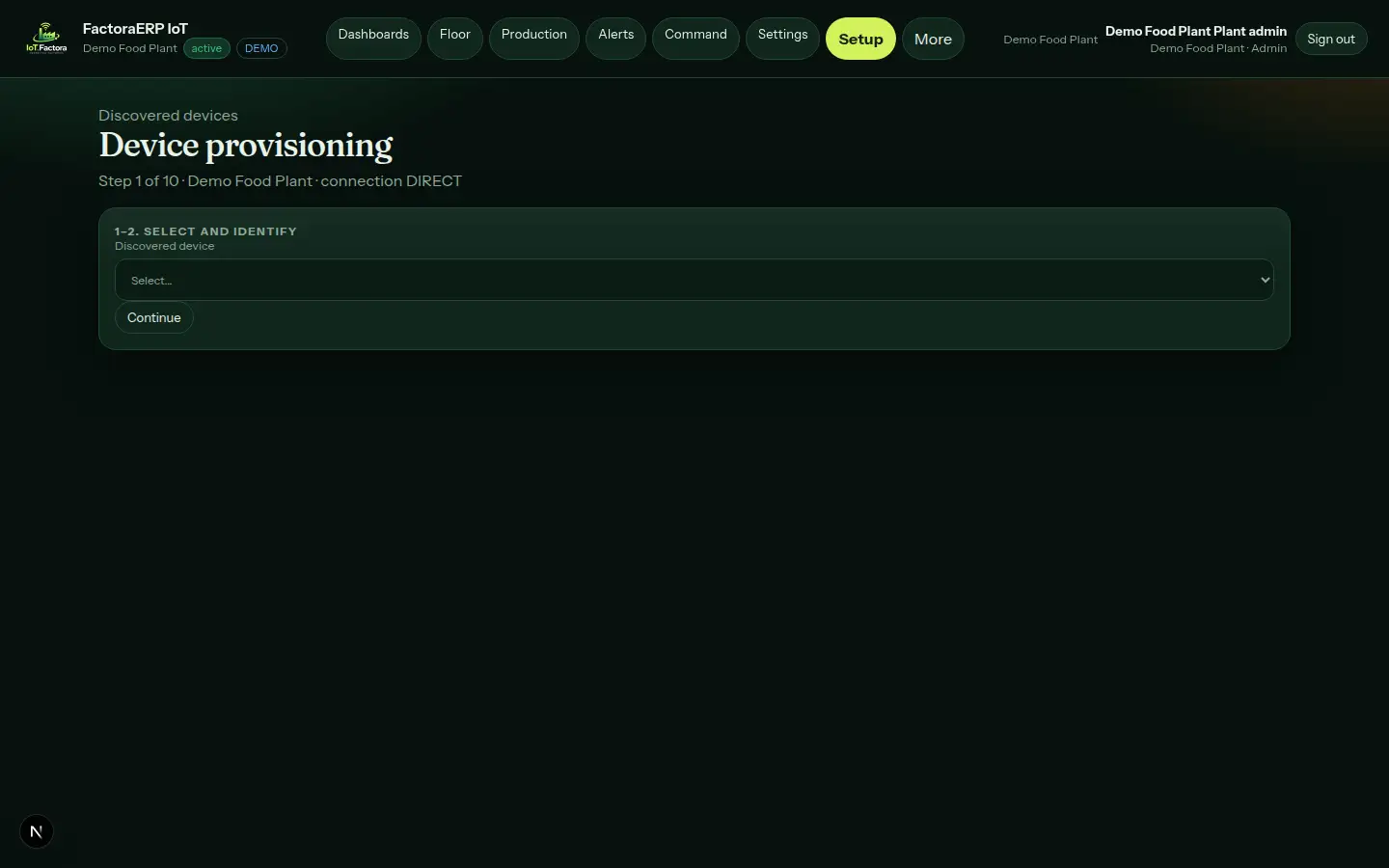
Device provisioning for Demo Food Plant, on the step that selects what was discovered.
Claim into this factory only, then map the external id onto a registry device before you activate.
  1. Discovered devices appear under Connect / discovered.
  2. Claim into this factory only.
  3. Map to an existing registry device (or create one first). Units must match (kW is not kWh).
  4. Test connection writes a test reading with a provision-test-* message id.
  5. Activate when mapping and unit check pass.

Isolate/suspend stops ingest without deleting history.

Walk the screen

  1. Watch discovered devices under Connect. Claim into this factory only.
  2. Map the external id onto an existing registry device, or create that device first.
  3. Match units. A power sensor is not a cumulative energy type.
  4. Run the connection test and look for the provision-test message id on the same ingest path.
  5. Activate only after that check. Use isolate or suspend to stop ingest and keep history.

Worked example

A discovered meter is claimed into the demo factory and mapped to a kW device. The test reading uses a provision-test message id and appears on the same pipeline. You do not activate a mapping that would store kW as kWh.

Common mistakes

  • Claiming a device into the wrong factory.
  • Activating before the unit check.
  • Deleting history because you only needed ingest to stop.

Recap

  • Discover, claim, map, test, activate.
  • Units must match.
  • Suspend stops ingest and keeps history.

Create a free account or log in to save this lesson on your progress.

Check understanding

Progress is stored in this browser until you log in. Passing is 70%.

1. A kW power sensor may be mapped to a kWh cumulative type without conversion.
2. Provisioning test readings should hit a second telemetry database.
3. A connection test should
4. Isolate or suspend deletes historical readings.